


Hey folks!
A lot of people still do not realize this exists in YEN at all.
YEN has a built-in community chat system inside the terminal itself. That was already a strange and important line to cross when we first shipped it. We were not adding a side panel to a browser app. We were building what we believe was the first terminal with chat and community built into the product.
That is worth reminding people about, because once chat lives inside a terminal, the bar changes. The terminal is not a casual surface. It is where people debug production issues, inspect logs, move around sensitive files, and work inside a higher-trust environment than most ordinary consumer apps.
So when you say “chat inside a terminal,” the obvious reaction from serious users is not just curiosity. It is caution.
That is a fair reaction.
If chat inside a terminal is sloppy, it is scary. If file attachments inside terminal chat are sloppy, it gets worse fast. So this post is partly about broader file support, but more importantly it is about the security and privacy posture behind it.
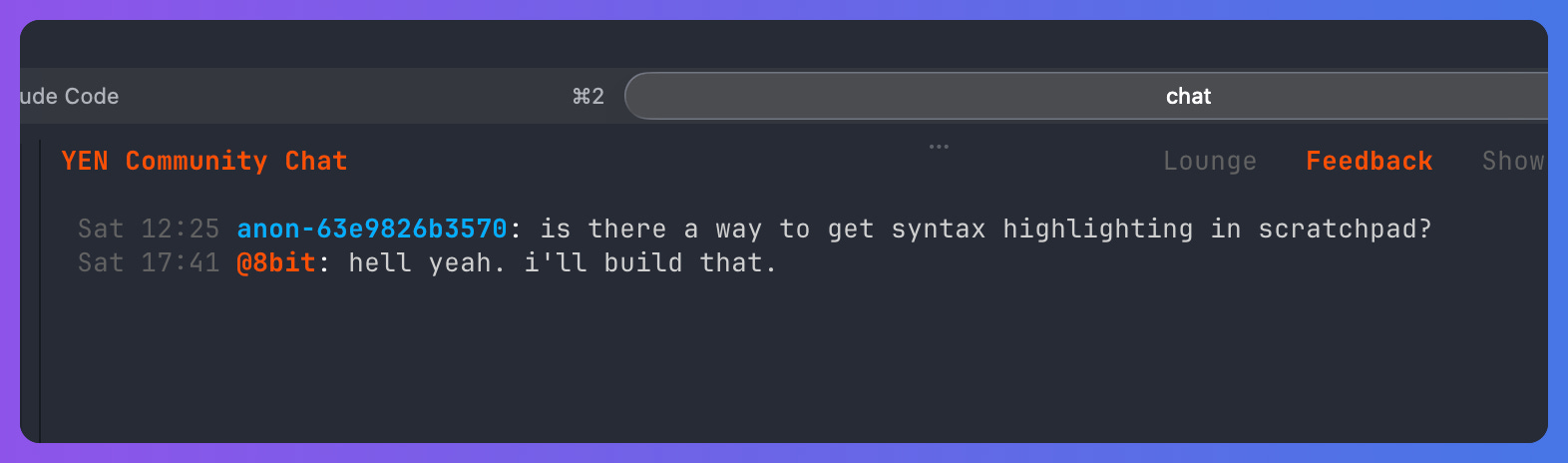
First, The Feature Itself
The reason I spent the time building this seem obvious when you first encounter it:
It gives me immediate and direct feedback from the community about what they want and features they need. Total win.
It inspires me and keeps me motivated. And I can get lonely too.
So, it was built and it’s really, really cool.
And now, I’ve expanded attachment support in YEN Chat beyond the original image and document flow, including CSV, JSON, ICS, EML on top of existingsupport for images and common document formats.
That means people can share a quick export, an API payload sample, a calendar invite, a message thread, a markdown note, or a plain text artifact without leaving the terminal workflow.
That sounds like a convenience feature, but it only works if the delivery path is hardened enough to deserve the trust people place in a terminal. And it is.
I didn’t treat this as “add a few MIME types and move on.” I treated it as a trust-boundary change. That means the file expansion shipped together with private storage, proxy-only delivery, stricter response headers, mediated access paths, and tighter defaults for how different attachment types open.
These are things the user will never see. But, I know they’re air-tight and risk-free. I mean, you shouldn’t share your private keys in chat, but, you can share anything else within reason.
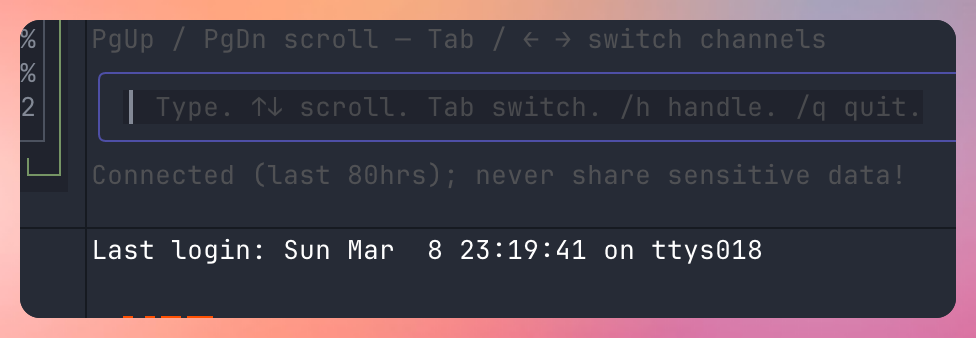
You see? Never share sensitive data! And we’re good. A few things I worked on:
Private storage and made files.yen.chat a tightly-controlled delivery path.
Direct anonymous storage upload, list, and read paths are denied.
Attachment fetches go through the proxy path instead of straight to storage.
Upstream fetches use service-role credentials on the server side only.
Proxy host and path are tightly bounded.
Upstream redirects are rejected.
Attachment responses get X-Content-Type-Options: nosniff.
Non-image attachments are forced to download with Content-Disposition: attachment and X-Download-Options: noopen instead of rendering inline in the browser.
And, of course, privacy reigns as a surpreme import — I am a cypherpunk, after all. Privacy matters more to me than most people could really understand. So, I extend that to everything that I try to do, especially for folks who count on using this wonderful, beautiful thing that is a Terminal.
You see, security is not only about preventing code execution or bypassing headers. It is also about how much data the system keeps, where identity is bound, and what is exposed by default. YEN Chat is built around mediated access, not direct client trust.
Sender identity is session-bound on the server side and the client uses a local device ID to request a short-lived chat session, and that device ID is treated as a private credential on disk with tightened permissions, including private directory and file modes for its local storage.
Messages and attachments are not meant to live forever. Chat messages age out after 80 hours, and attachments follow the same 80-hour cleanup window. Nothing is kept beyond ~3 days. It’s hard delete only. Let’s go.
So, on the surface it’s a simple “chat” but underneath it’s everything that I’ve learned over 20 years of writing enterprise-grade software, inside a simple frame that can be another place to drop emojis.
Go figure.
— 8