


Hey folks!
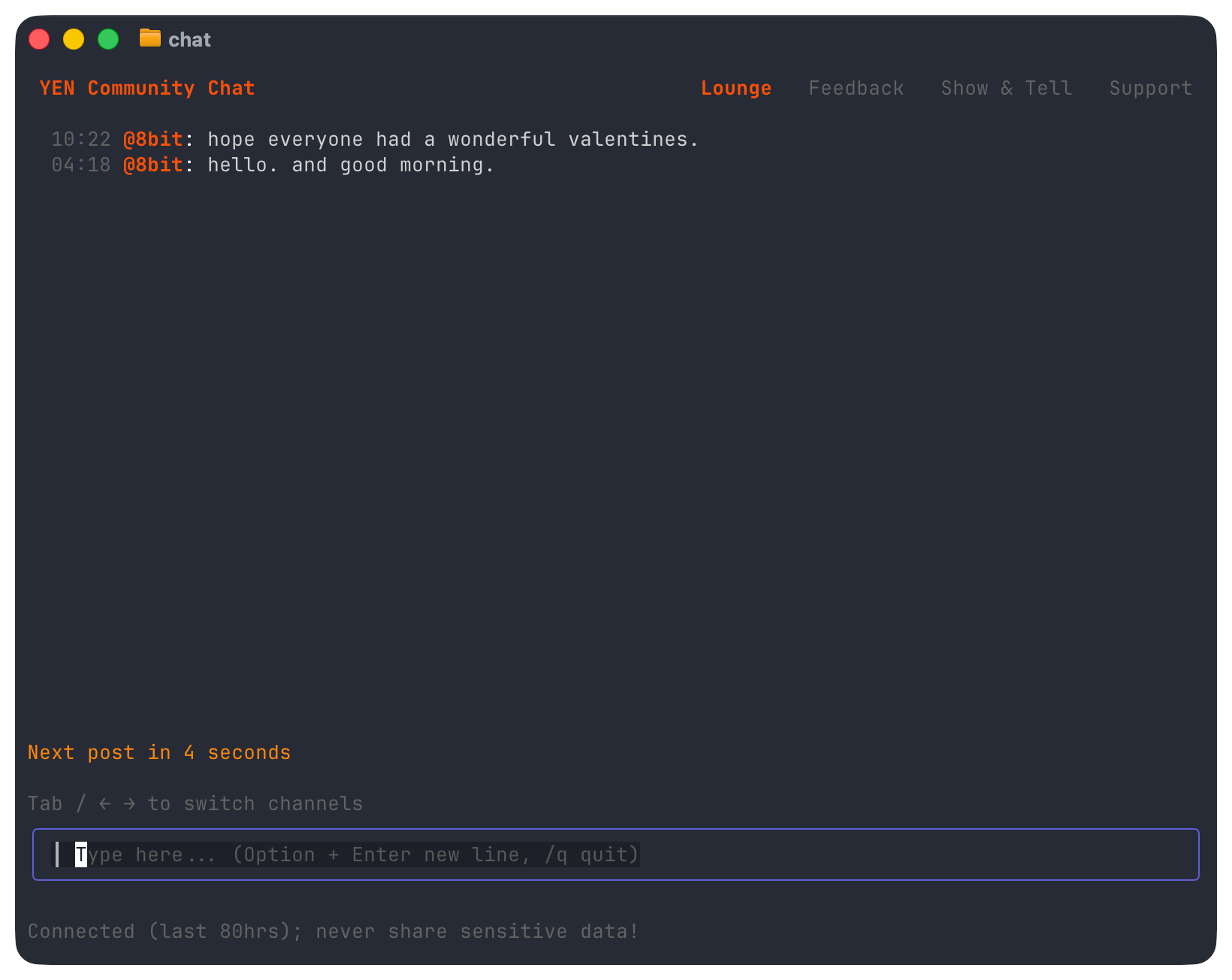
I shipped something a bit unusual this month: A global chat room built directly into YEN. Type chat in your terminal, and you’re in a shared room with other YEN users.
No browser tab. No Electron sidebar. No account. Just a TUI that connects you to other people who use the same terminal.
Here’s why I built it, and the engineering decisions behind it.
Why Put Chat in a Terminal?
Every terminal user already has Slack, Discord, and a dozen other chat apps open. Why add another one?
Because none of those are in the terminal. In fact, this might be a real “world first" type of thing! I’m a bit chuffed about it actually.
But what I really wanted was a direct line of communication to our early users. In other words, product feedback. If I’m debugging something and want to ask a quick question, I have to context-switch to a browser or a separate app.
The friction is small, but it adds up. I wanted something that felt as native as git log or man — a command, not an application.
The goal was simple: type “chat”, say something, type /q, get back to work. Under 2 seconds of overhead.
Four Rooms, No Configuration
There are four hardcoded rooms: Lounge, Feedback, Show & Tell, and Support. Press Tab to switch between them, or use arrow keys when your input is empty.
I will definitely think about extending this and perhaps even letting users create their own rooms but I’m not entirely sure how I want to do that so feedback is definitely welcome! Put it in the chat!
Oh, and don’t forget to set your handle; just type /h and pick one. I’ll see you online.
— 8
You are not the hero we deserve, but the hero we needed