


Hey folks!
I added a browser preview to YEN. That sentence can sound bigger than it is, so I want to be precise about it. YEN is not becoming a browser. It is not shipping Chromium. It is not turning into Electron. Eww.
It is not trying to replace Safari, Arc, Chrome, Firefox, or whatever else you already use for the open web. What I shipped is much narrower and much more useful for the kind of product YEN is trying to be:
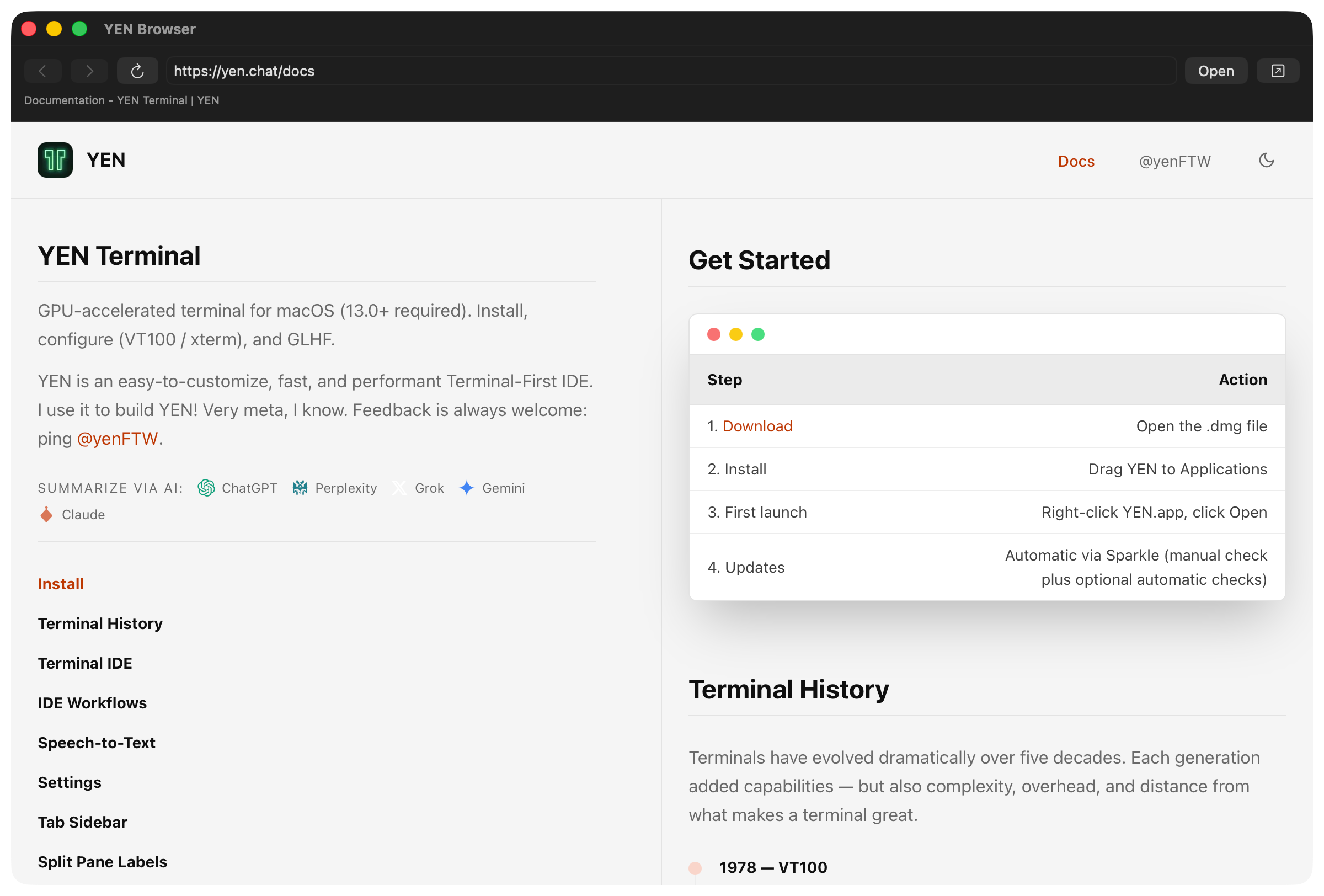
A native WebKit preview surface, launched from the command palette or yen web, for docs, HTTPS pages, and local development servers.
It is a standard window by default, with an explicit split when you ask for one. Yay.
Why Does a Terminal Need This?
I keep coming back to the same idea with YEN: The terminal-first IDE is not a text editor with a terminal panel attached. It is the reverse. Start from the terminal, then add the pieces that make terminal work more direct, more trustworthy, and less scattered.
A browser preview fits that idea, but only if it stays disciplined. Developers constantly bounce between the terminal and the browser:
Documentation.
Localhost servers.
Preview pages.
Generated docs.
Release notes.
Internal references.
That context switch is not always bad. The full browser is the right place for most browsing. But there is a class of terminal-adjacent web content where leaving the terminal flow feels heavier than the task deserves.
I do not want to open a whole browser tab just to check a local docs page. I do not want an embedded browser engine bundled into the terminal just because a preview window is useful. I do not want terminal links silently captured before the behavior has earned trust.
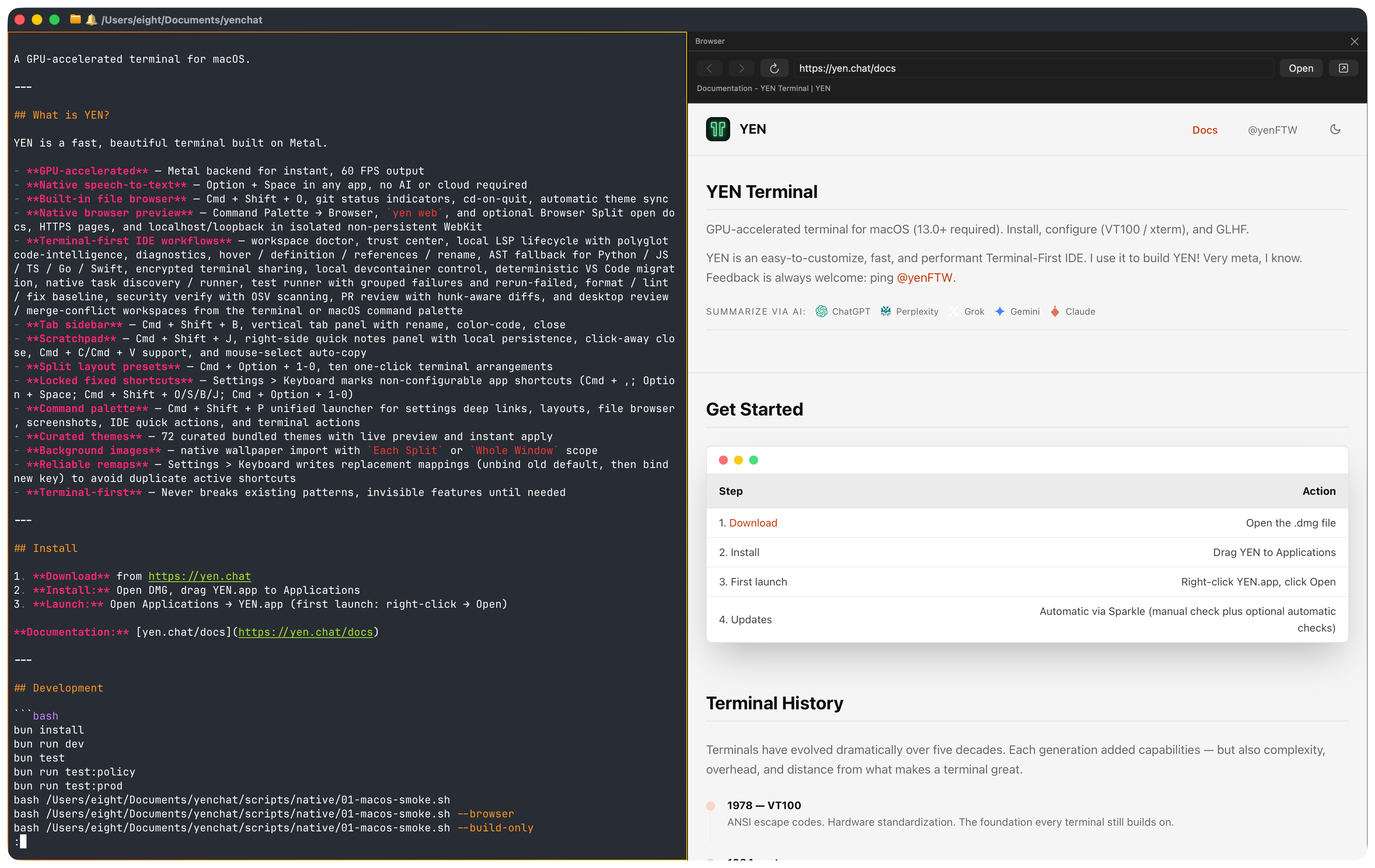
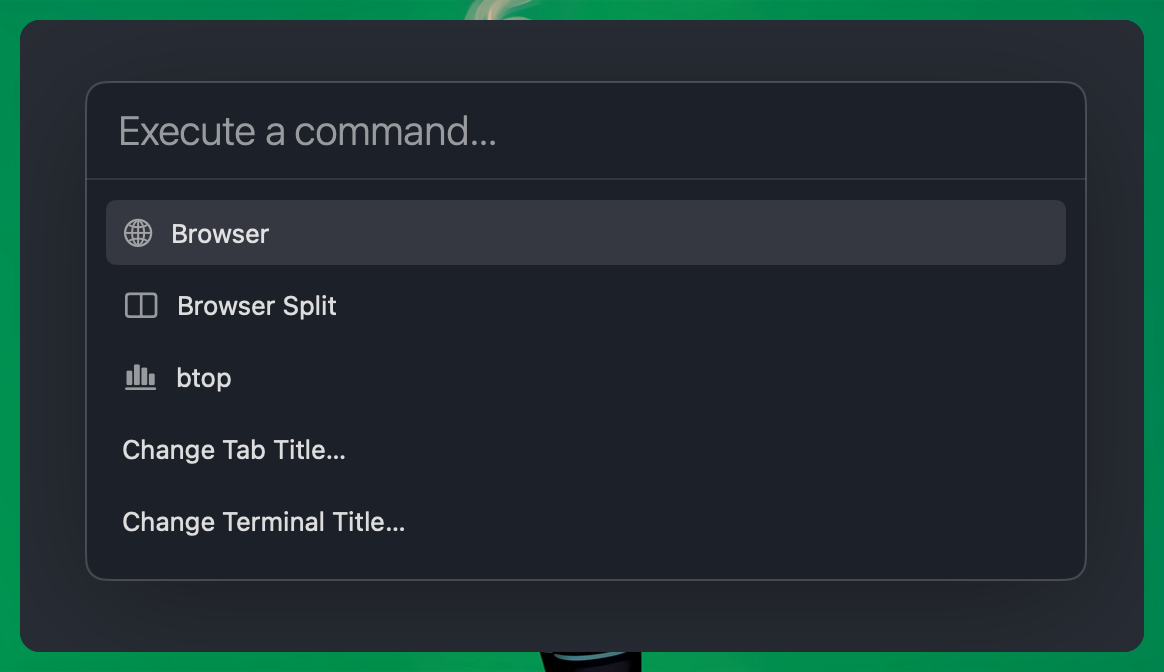
So the starting point is deliberately small: Open Cmd + Shift + P, type Browser, press Enter. Done and done.
From there, you can type an HTTPS URL, open a localhost or loopback development server, go back, go forward, reload, stop loading, or hand the current page to your default browser.
If you use yen web open, the command goes through the same policy. If you choose Browser Split or yen web open --split, YEN mounts the same preview beside the terminal in an app-owned split. That is it. That is the point.
Native First, not Browser-Engine First.
The easy way to add a browser-shaped feature is to ship a browser engine. That is also the expensive way.
Chromium-class runtimes bring subprocesses, GPU behavior, sandboxing complexity, packaging weight, security update pressure, and a huge amount of product gravity. Once you carry that runtime, the feature stops feeling like a preview window and starts pulling the whole app toward becoming a browser shell.
That is not YEN.
YEN already has a hard native-first rule: Before adding a dependency or vendored binary, check whether macOS already provides the right API. For this feature, macOS does. The preview uses Apple’s WebKit stack:
WKWebView
WKWebViewConfiguration
WKNavigationDelegate
WKUIDelegate
WKWebsiteDataStore.nonPersistent
NSWorkspace.open
That is the right shape for a Mac app. It keeps the feature small, native, reversible, and understandable. It also keeps the terminal engine out of the story. No Metal renderer changes. No swap-chain changes. No renderer-owned terminal-pane integration. No default-on hyperlink interception. No production data changes. No release artifact format changes. No vendored browser runtime.
Nothing that will get in the way or bloat the app.
The default browser preview is an app-owned utility window. The optional split is app-owned too. Neither one is a new foundation for the terminal engine.
The Trust Boundary is the URL Field
The interesting part of this feature is not the toolbar. The interesting part is the policy.
If I put a web view inside a terminal, I need to be clear about what it is allowed to open.
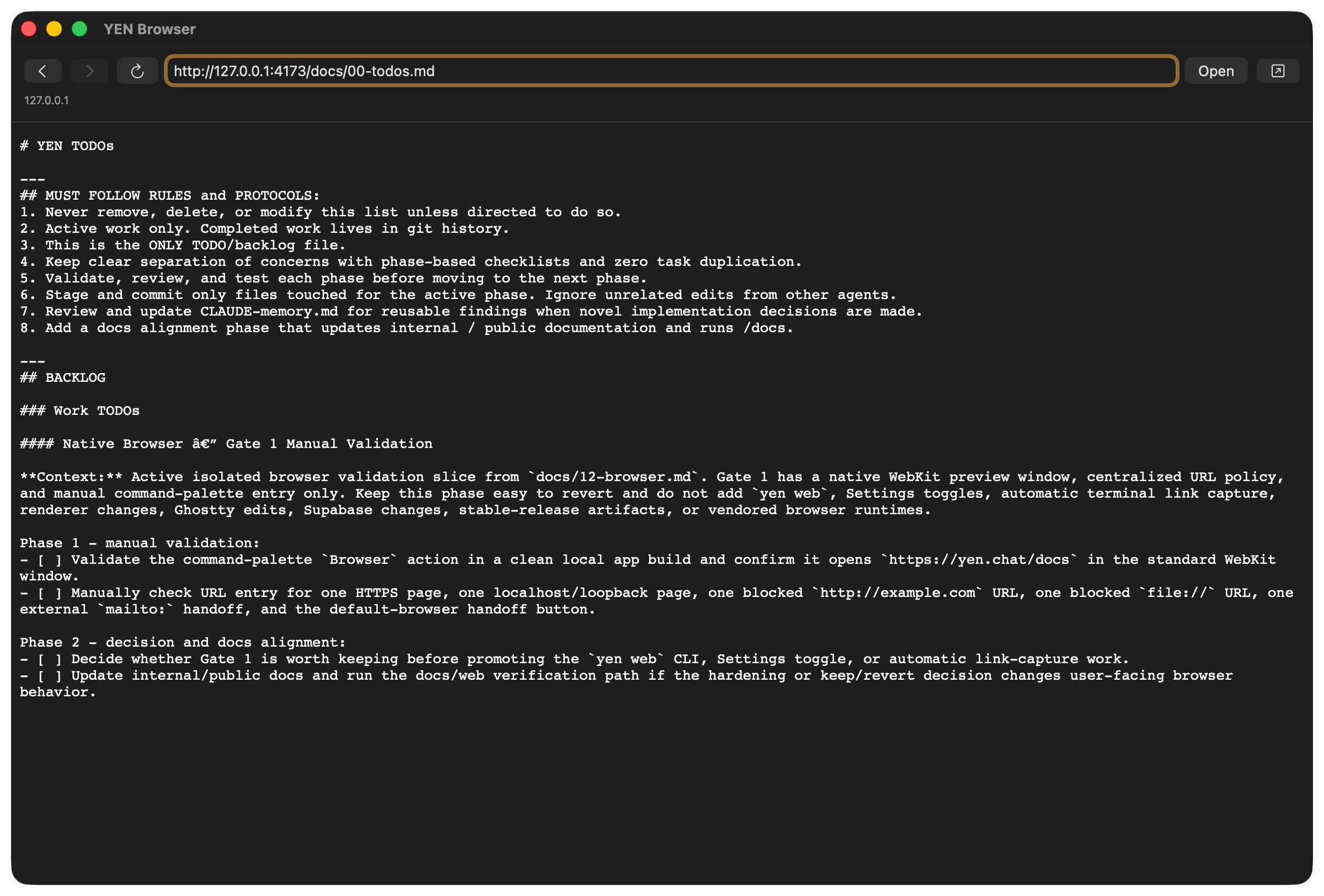
The current rule is simple: HTTPS pages can load. Loopback HTTP can load.
But external schemes like mailto: and tel: get handed off to macOS from explicit top-level opens. Unsafe or surprising schemes get blocked.
And, of course, it’s private by default.
The shipped browser uses a non-persistent WebKit data store.
That means YEN is not trying to become your browser profile. It is not importing Safari cookies. It is not keeping a long-lived browsing history. It is not turning a preview window into another place where state silently accumulates.
That choice is partly about privacy. It is also about reversibility.
If a future expansion does not earn its place, I want to remove that expansion without leaving a weird pile of browser state behind.
That is one of the standards I keep trying to apply across YEN: New surfaces should stay easy to revert until they prove they belong.
Persistent browsing state might make sense later for a specific workflow. If it does, I want that to be a deliberate decision with a clear storage policy, a clear user control, and a clear rollback path.
For now, non-persistent is the right default.
How and Why Does This Fit for YEN?
The terminal is already where the work starts. You run the dev server there. You see the port there. You read the failing command there. You open the command palette there. You jump into docs there.
Cool.
The browser preview is useful because it respects that center of gravity. It gives YEN a small native window or explicit split for web context without asking the terminal to become a browser, and without asking the browser to become the IDE.
YEN should absorb useful developer workflow pieces only when they make terminal work feel more coherent. The file browser made sense because navigating files is part of terminal work.
The command palette made sense because discovery is part of terminal work. The IDE workflows made sense because trust, verification, review, and project context are part of terminal work. The browser preview makes sense only if it stays in that same category: A focused preview for terminal-adjacent web context.
Not the open web as a lifestyle. Not browser automation. Not a Chromium distribution in disguise. Just a small native bridge between the terminal and the pages developers actually need while working.
The best part is how little had to change. The core browser code lives in one isolated macOS feature folder. The command palette has two browser actions: Browser and Browser Split. The CLI and Settings integrations are narrow. The URL policy is a pure testable layer. The WebKit configuration is created up front.
The external handoff path checks whether macOS accepted the URL instead of pretending every handoff worked. That is the shape I want more YEN features to have.
Small surface. Clear policy. Native API. Easy rollback. Tests around the weird edges.
The Bigger Point
I think terminal products keep getting pulled in two directions.
One direction says the terminal should stay dumb forever. The other says the terminal should become a browser-shaped AI workspace with a shell somewhere inside it.
I do not like either answer.
The terminal should get smarter, but it should get smarter in a terminal-native way. That means native surfaces where native surfaces make sense. Local-first state where local-first state makes sense.
Explicit trust boundaries. No surprise capture. No giant runtime unless it truly earns its cost. No feature expansion without a keep-or-revert checkpoint. The browser preview is a small example of that philosophy.
It is not the centerpiece of YEN. It is not a pivot. It is just a useful native surface that lets the terminal-first workflow breathe a little more easily.
And sometimes that is exactly the kind of feature a product needs.
— 8