


Hey folks!
Two new tools ship inside YEN starting with v0.955. They are not flashy. They are not AI. They are the kind of thing you reach for when something is wrong, or when you just want to know what you are working with.
btop is a system monitor. fastfetch is a system info display. Both are bundled, signed, notarized, and ready on first launch. No homebrew. No build-from-source. Type the command and it works.
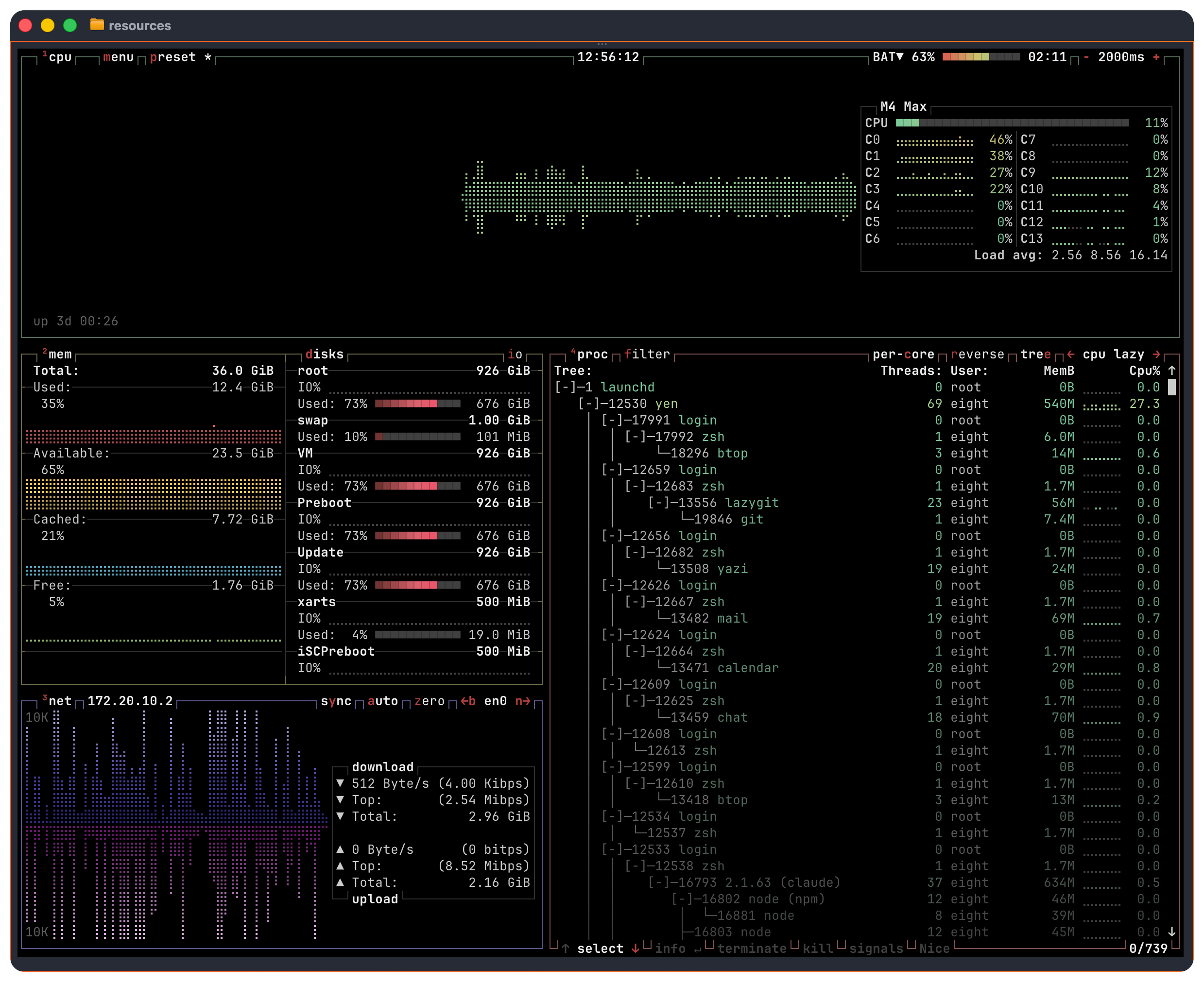
See What Your System Is and What It is Doing
This isn’t a complicated addition but it’s a super-functional one. btop and fastfetch ship inside YEN. One shows you what your system is doing. The other shows you what your system is.
This is information that developers need all the time and so I thought, why not bring those in natively so that it’s one less thing to install? You don’t have to use them, of course, but, you might end up loving that it’s so immediately available.
You get things like CPU usage per core and memory breakdowns, disk I/O and network throughput. Per-process stats with sorting and GPU monitoring, all in one screen, updating in real-time, all navigable via your keyboard so you never have to lose any speed and time.
For you system bios you can easily see the OS, the kernel, CPU, GPU, memory, uptime, shell, terminal, and more. It calls macOS system APIs directly like sysctl for kernel and CPU info, IOKit for GPU and battery, CoreFoundation for locale and display, sysctlbyname for memory. No subprocess spawning. No text parsing. Just C code calling the APIs that already know the answers.
It detects over fifty categories: OS, kernel, CPU, GPU, memory, disk, shell, terminal, font, display resolution, battery, Bluetooth, local IP, uptime, packages. The output is clean and instant.
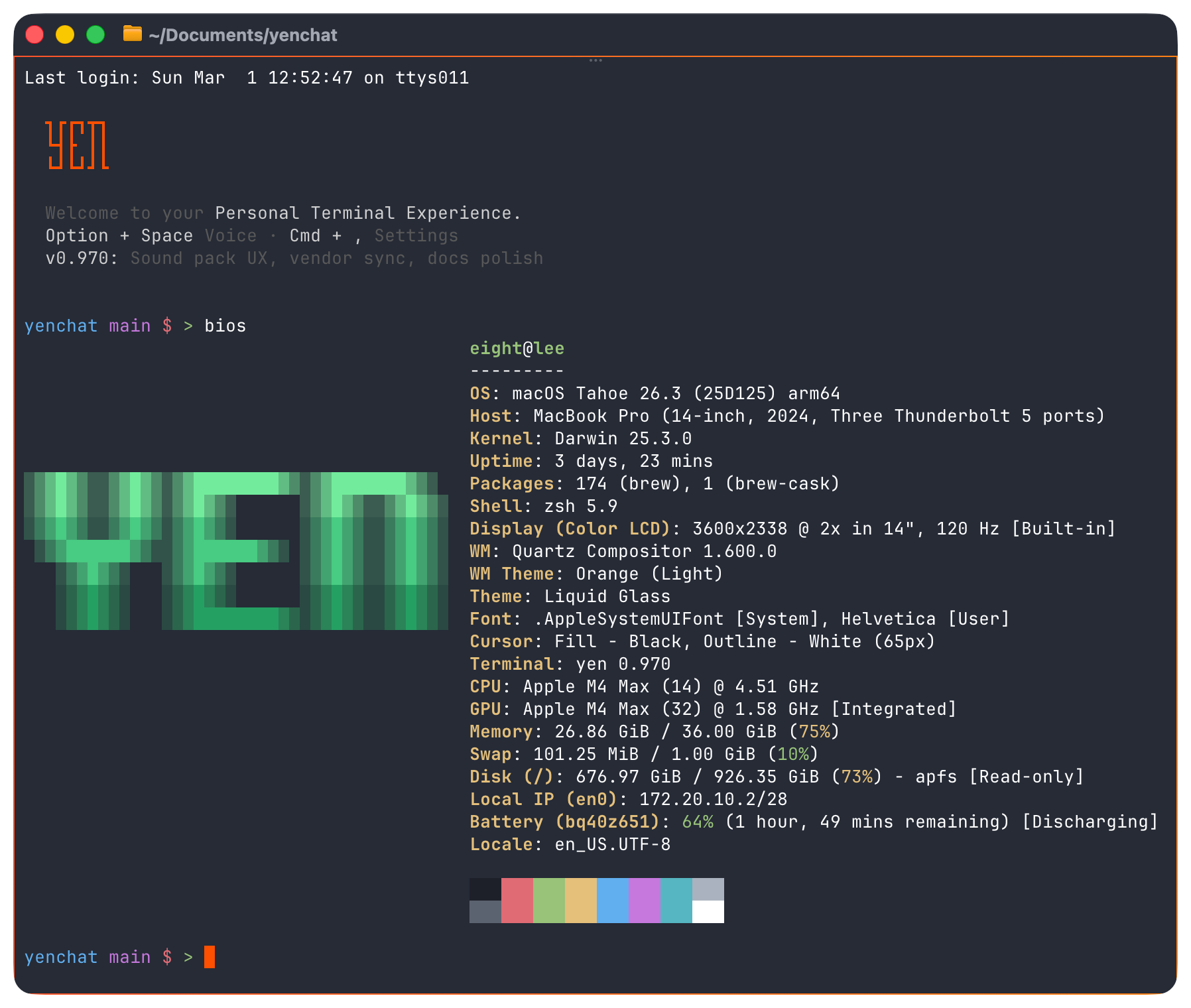
Why These Two, Why Now
The honest answer: we should have shipped them sooner.
YEN already bundled a bunch of tools — a file browser, file finder, content search, fuzzy finder, directory jumper, syntax highlighter, JSON processor, git client, and SVG renderer. That covers navigating, searching, viewing, and version-controlling your code. But it did not cover the machine itself.
When a build takes twice as long as expected, the first question is "what is eating my CPU?" When you are debugging a CI failure that works on your machine, the first question is "what version of macOS am I actually running?" These are not exotic problems. They happen every week.
Both commands work from any YEN terminal. Shell integration auto-registers the aliases, so you do not need to configure anything.
Give it a try and let me know what you think!
— 8