


Hey folks!
Something landed on my radar this week that I think deserves your attention — especially if you’re using any of the AI-powered code editors that have gained popularity recently.
Security researchers at Koi discovered that Cursor, Windsurf, and Google Antigravity — all of which forked VSCode — were actively recommending malicious extensions to their users. Not through some sophisticated zero-day. Through an oversight so simple it’s almost funny.
Almost.
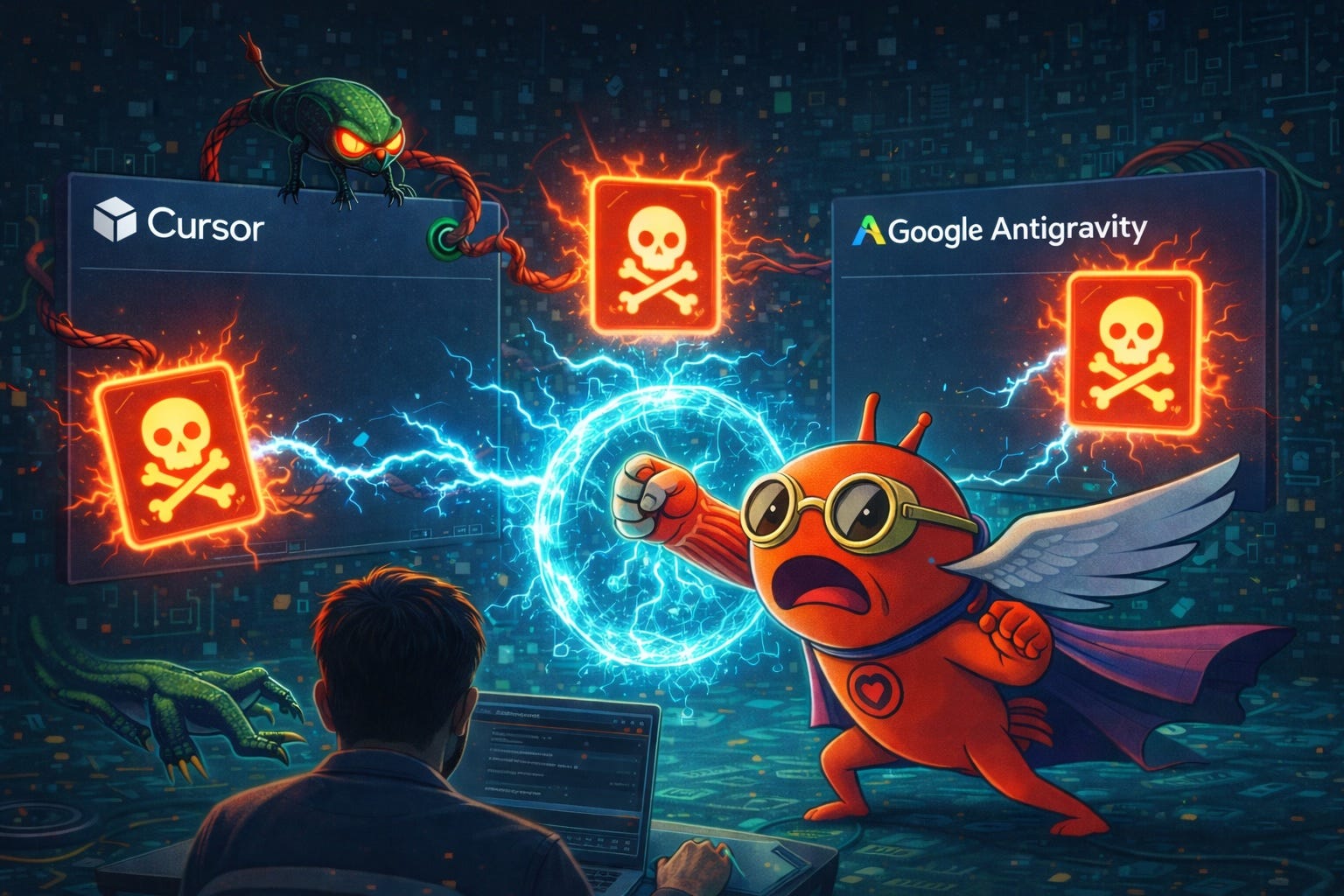
So, Here’s What Happened
When these editors forked VSCode, they inherited a hardcoded list of proactive extension recommendations. Open an azure-pipelines.yaml file? The editor suggests you install the Azure Pipelines extension. Have PostgreSQL running on your machine? Here, install this database extension.
The problem: VSCode’s recommendations point to Microsoft’s marketplace. These forks can’t use Microsoft’s marketplace due to licensing restrictions, so they use OpenVSX instead — an open-source alternative.
The extension namespaces on OpenVSX? Unclaimed.
That means anyone could register “ms-ossdata.vscode-postgresql” on OpenVSX, upload whatever code they wanted, and the IDE itself would proactively recommend it to users. The editor — the tool you trust with your entire codebase — would say “Hey, friend, you should install this!” and point you directly at attacker-controlled code.
Koi registered the vulnerable namespaces themselves as a proof of concept. Their placeholder extension — which did literally nothing — received over 500 installs from users who trusted their editor’s recommendation.
Damn. For a package that openly stated it was non-functional. Imagine what a motivated attacker would have done with that real estate.
The Deeper Problem
This isn’t just about one set of unclaimed namespaces. It’s about a pattern that should be fixed but hasn’t been. You see, AI coding editors have accumulated layers of implicit trust that most users never think about, like:
Extension marketplaces with auto-install recommendations.
Cloud accounts syncing your settings, snippets, and usage data.
AI agents that suggest packages and dependencies on your behalf.
Plugin systems that execute arbitrary code with your full permissions.
Each layer is an attack surface. Each layer is a place where someone else’s decision — a hardcoded recommendation list, a marketplace policy, a forked codebase assumption — becomes your security problem.
The editors didn’t write the recommendation list. They inherited it. They didn’t audit it. They shipped it. And that’s the real lesson: When you fork a massive codebase, you inherit its assumptions. Including the dangerous ones.
Why Terminals Don’t Have This Problem
As I’ve been building (obsessing) YEN, I keep coming back to the same architectural instinct: Fewer layers, fewer problems. A terminal doesn’t have an extension marketplace. It doesn’t have to have one. There’s no recommendation engine. It doesn’t need one. There’s no AI silently suggesting you install something while you open a YAML file. That’s so ick.
When you install a tool, you do it explicitly:
brew install postgresql
cargo install ripgreg
pip install requests
You see the package name. You chose it. You typed it. Your package manager has signatures, checksums, and a public registry you can inspect. Is it perfect? No. But the trust chain is explicit and auditable. You are the recommendation engine.
Compare that to an IDE popup that says “Recommended extension for this file type” — and the user clicks Install without a second thought, because the editor told them to. Whoops. Bad form.
YEN’s Specific Architecture
When I started building YEN, some decisions felt like deliberate limitations:
No extension systemt that would allow you to install bad plugins.
No cloud account that would invade your privacy via telemetry or require an internet account to use.
No built-in AI agent that would start doing things without your permission.
100% offline so you can have full peace of mind, works in airplane mode or when your VPN is acting strange or even without (gasp!) internet.
At the time, these felt like trade-offs in the name of simplicity and privacy. In light of this research, they’re also security decisions.
No marketplace means zero attack surface for namespace hijacking. No cloud means no man-in-the-middle opportunity. No AI recommendations means no one can poison what gets suggested to you. Offline means the attack vector of “connect to a compromised service” simply doesn’t exist.
Your Terminal Sees Everything
I wrote this in an earlier post and it keeps becoming more relevant:
Your terminal sees everything. Your commands. Your passwords. Your API keys. That embarrassing rm -rf you almost ran on production.
That’s why the trust model matters so much. The tool that has access to everything on your machine should be the tool that phones home the least. It should be the tool with the smallest attack surface. It should be the tool that doesn’t install things on your behalf without you explicitly asking.
A terminal is that tool. It always has been.
The irony is that the industry’s rush to add AI, cloud sync, extensions, and marketplace recommendations to developer tools has made the simplest tool — the one with the blinking cursor and no opinions — the most secure by default.
What You Should Actually Do
I’m not saying “delete your IDE.” That’s not helpful. But here are a few things worth thinking about:
Audit your extensions. Do you know what every installed extension does? Who published it? When it was last updated? Most people don’t.
Question recommendations. When your editor suggests an extension, don’t auto-click Install. Check the publisher. Check the install count. Check if it’s the real one or a squatter.
Understand your trust chain. Every tool in your workflow has permissions. Your editor can read and write every file in your project. Your extensions can execute arbitrary code. Your cloud sync sends data to external servers. Know what you’ve agreed to.
Consider where your sensitive work happens. SSH keys. Environment variables. Database credentials. Production deployments. For the stuff that really matters, maybe a tool that doesn’t have a marketplace, doesn’t phone home, and doesn’t auto-recommend anything is exactly the right environment.
The Pattern Continues
Every feature I haven’t built in YEN — no plugins, no cloud, no AI agent, no extension marketplace — started as a philosophical choice. Local-first, privacy-respecting, zero bullshit.
It turns out that philosophy is also a security posture.
The simplest tool in the room is also the hardest to exploit. I’ll take that trade-off every time.
— 8