


Hey folks!
Quick question: When you highlight text in a terminal, what are you trying to do
Admire the selection color?
Practice your mouse drag technique?
Copy it?
It's C. It's always C. It has been C since the dawn of graphical computing. And yet…
The State of Terminal Clipboards in 2026
Here's what happens when you select text in most terminals on macOS:
You highlight something.
You press Cmd + C.
You press Cmd + V somewhere else.
It works.
Three steps. Which is fine. But there's a better question: Why did step 2 need to exist?
Some terminals do have "copy-on-select" as an option buried in preferences. Turn it on, highlight text, and... it copies to an internal selection buffer. Not the system clipboard. Not the thing Cmd + V reads from. A private, invisible clipboard that exists in a parallel universe where only middle-click paste can find it.
This is a Linux X11 convention. It makes sense on X11, where PRIMARY and CLIPBOARD are different selection targets with different paste mechanisms. It makes zero sense on macOS, where there's one clipboard and everyone uses Cmd + V.
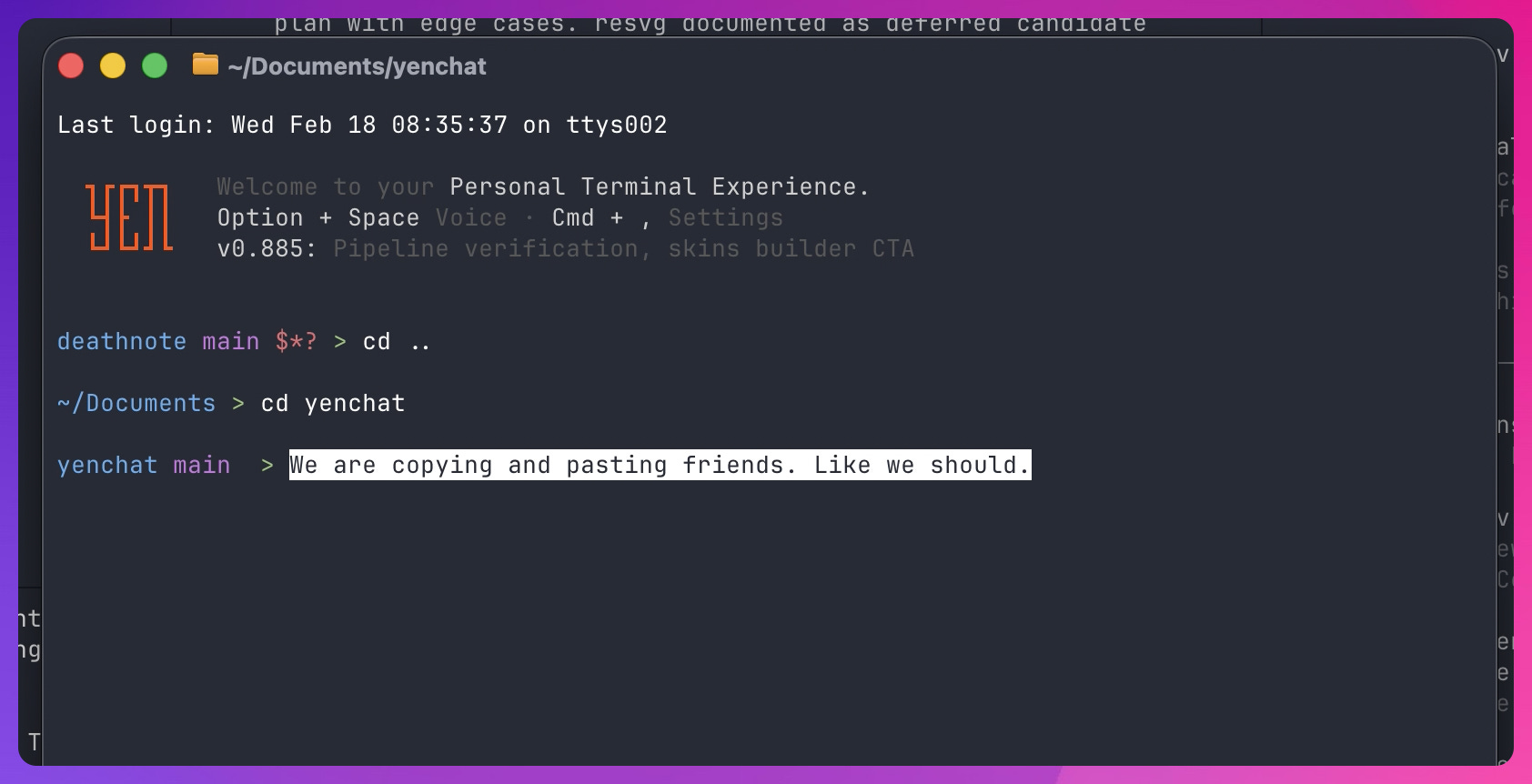
What YEN Does
When you highlight text in YEN, it copies to your system clipboard. Immediately. No Cmd + C. No config toggle. No invisible selection buffer.
Highlight. Switch apps. Cmd + V. Done.
We patch the engine's default from true (selection clipboard only) to clipboard (both system and selection). One line in Config.zig. One decision that saves you a keystroke thousands of times a year.
You’re welcome.
"But What If I Don't Want to Overwrite My Clipboard?"
Fair concern. Here's the thing: if you're highlighting text in a terminal, you want that text. The previous clipboard contents were already on their way out the moment your brain decided to select something.
And if you really did highlight accidentally, just Cmd + Z in whatever field you paste into. The old clipboard contents aren't coming back either way — you already made peace with that when you reached for the mouse.
The Shift Trick
TUI apps (vim, htop, lazygit) capture mouse events, which means normal text selection doesn't work inside them. In YEN:
Hold Shift, then drag to select.
This bypasses the TUI's mouse handler and selects raw terminal text. And yes — it auto-copies to your system clipboard too.
Why Nobody Else Does This
Honestly? I think it's because terminal developers are so used to the X11 model that they forgot to ask "does this make sense on macOS?" Copy-on-select to an invisible buffer is a feature that technically exists but practically doesn't help anyone on a Mac.
It's the kind of thing where the code is correct but the experience is wrong. And fixing it is literally a one-line default change.
Sometimes the best features are the ones you never notice because they just work the way your brain expected them to.
That's it. That's the feature. You already forgot it was there.
— 8