


Hey folks!
The weather command in YEN is now in a much better place. I bet you didn’t even know we had it! Why not give it a try? When you run weather off your shell you’ll see the following in you Terminal:
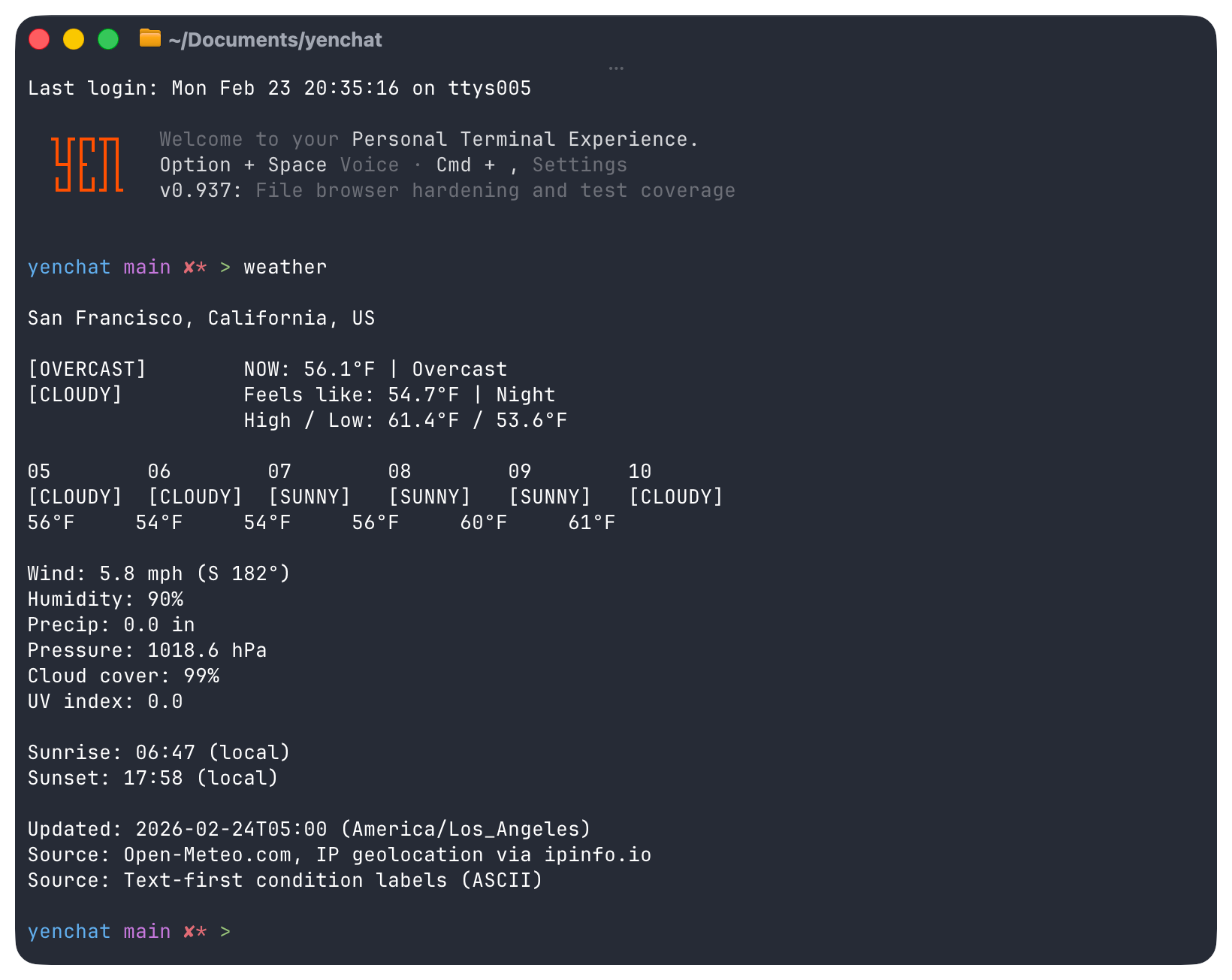
Yeah. That’s it. Magic.
What Was Shipped
The command supports:
ASCII condition icons alongside current conditions (day/night variants for clear/cloudy, plus rain, snow, thunder, fog)
6-hour hourly forecast strip with compact mini-icons and temperatures
City lookup with --city
Manual coordinates with --lat and --lon
Metric or imperial units with --metric or --imperial
Grouped output with vertical spacing across clear sections: now + feels-like, hourly forecast, today’s high / low, wind (with direction), humidity, precipitation, pressure, cloud cover, UV index, and sunrise/sunset with 24hr local time labels
A single provider path (no provider toggle flags)
Open-Meteo is how we get it done and is the single provider path for weather in YEN.
Why I Built This
I actually spend most of my time outside, at a park, deep in my Terminal, writing software for YEN and working on my tan.
So, I built it for me.
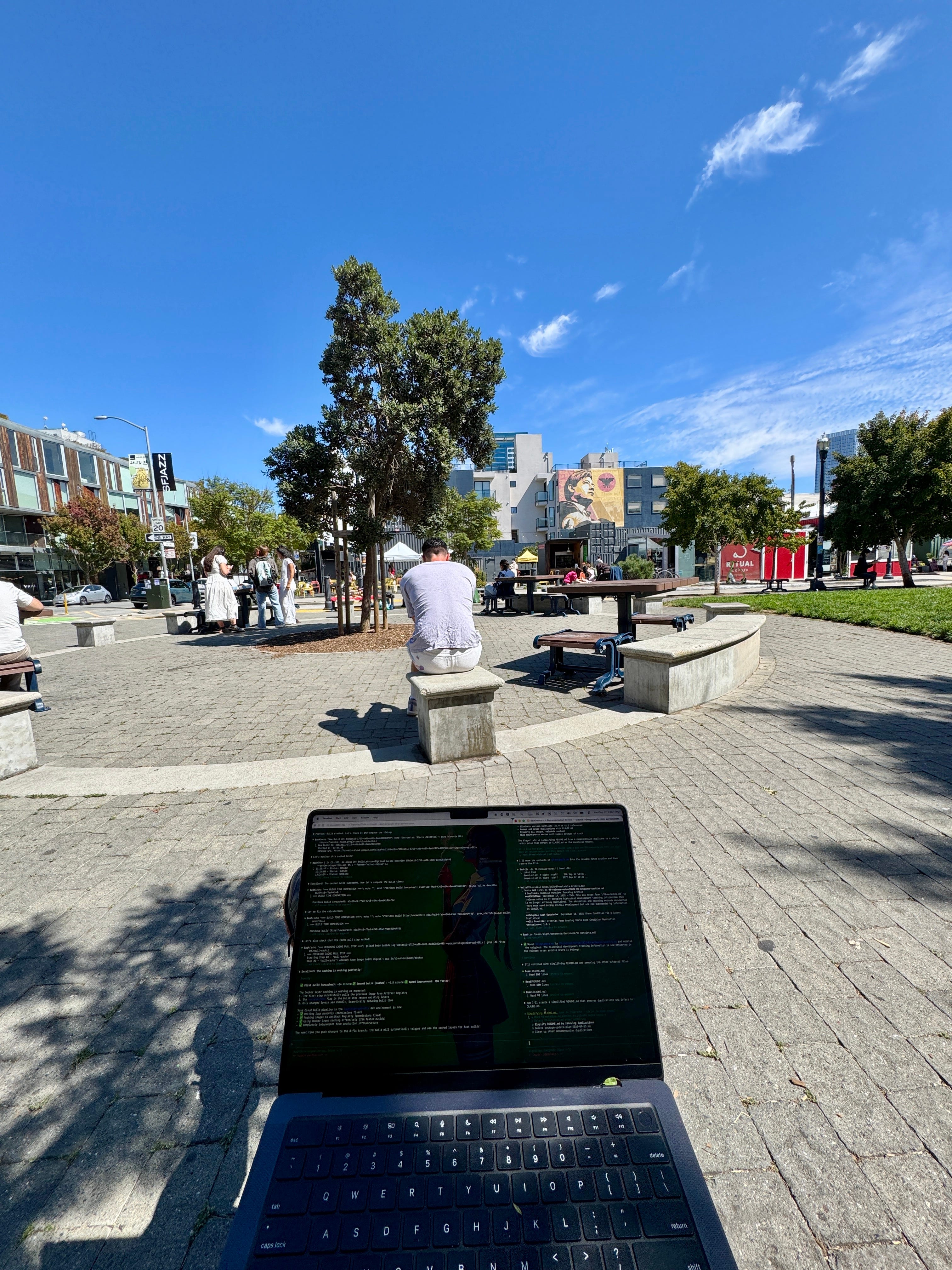
Remember that YEN is all about speed and so I wanted to be able to answer this question quickly:
Can I work outside today?
And that’s it. Now, I don’t have to leave my Terminal. And neither do you
One command, predictable results. Fast. Enjoy!
— 8

Bonus image of one of my friends who will beg me for food while I work. Lotus!