


Hey folks!
There’s a small feature in the latest YEN release that I’m weirdly proud of, and it took me longer to design than to build: The background image and wallpaper scope toggle.
This is the second part of the, well, first part about wallpapers.

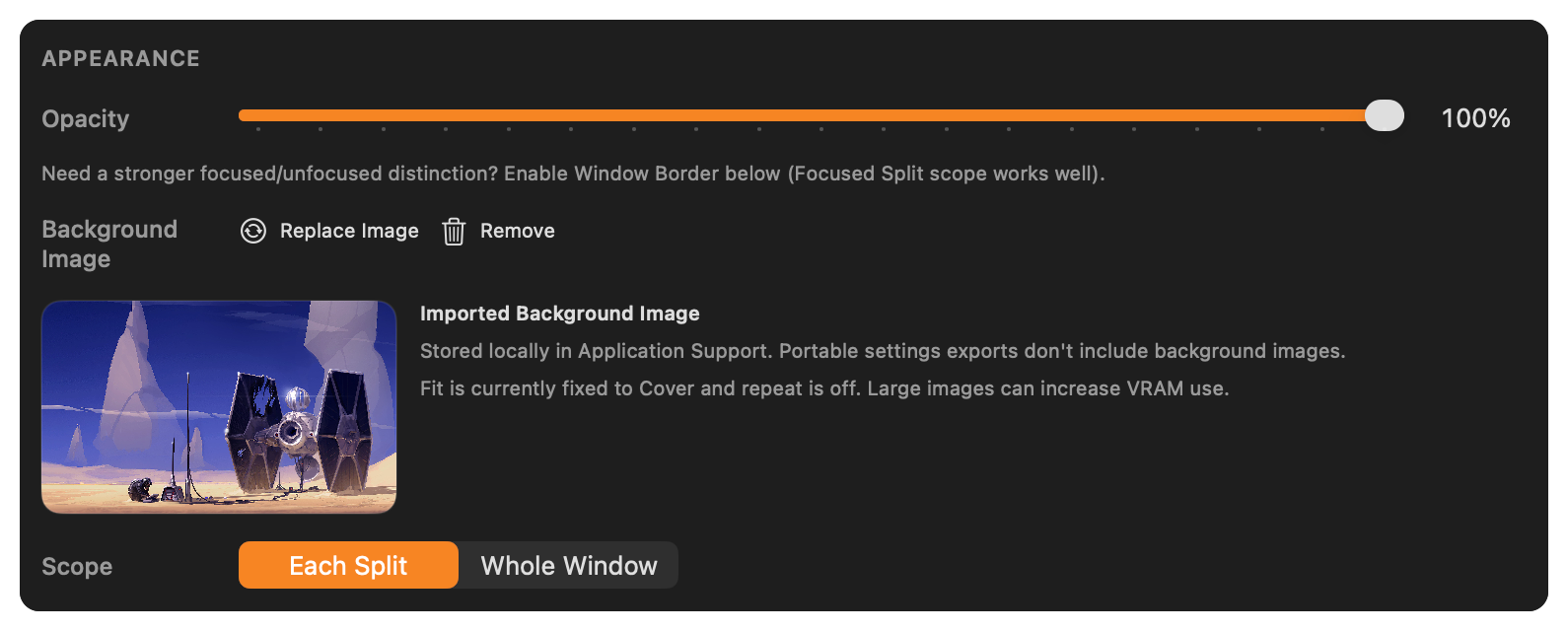
The Question Nobody Asks but Everyone Has
When you set a background image in YEN, what does “background” mean?
If you have three splits open — one running tests, one tailing logs, one with your editor — does the image live behind all of them? Just the focused split? The whole window? If you open a new tab, does that tab get the image too?
This is one of those settings that feels obvious until you try to define it.
I went through a few different mental models before landing on the one we ship:
Global (all windows) — The image is a wallpaper. It’s yours, not the terminal’s. Wherever YEN renders, the image is there. Good for people who set one image and forget it.
Per-tab — The image belongs to the current tab’s context. Switch tabs, different look. Split panes within a tab share the same image. This is the default because it maps cleanly to how most people think about “what I’m working on right now.”
Per-split — Maximum granularity. Each pane is its own visual context. You can have a dark ocean render behind your SSH session and a warm linen texture behind your local dev split. This is for people who want their terminal to reflect what each pane is doing.
But, ultimately I wanted to keep it simple. Here’s the experience:
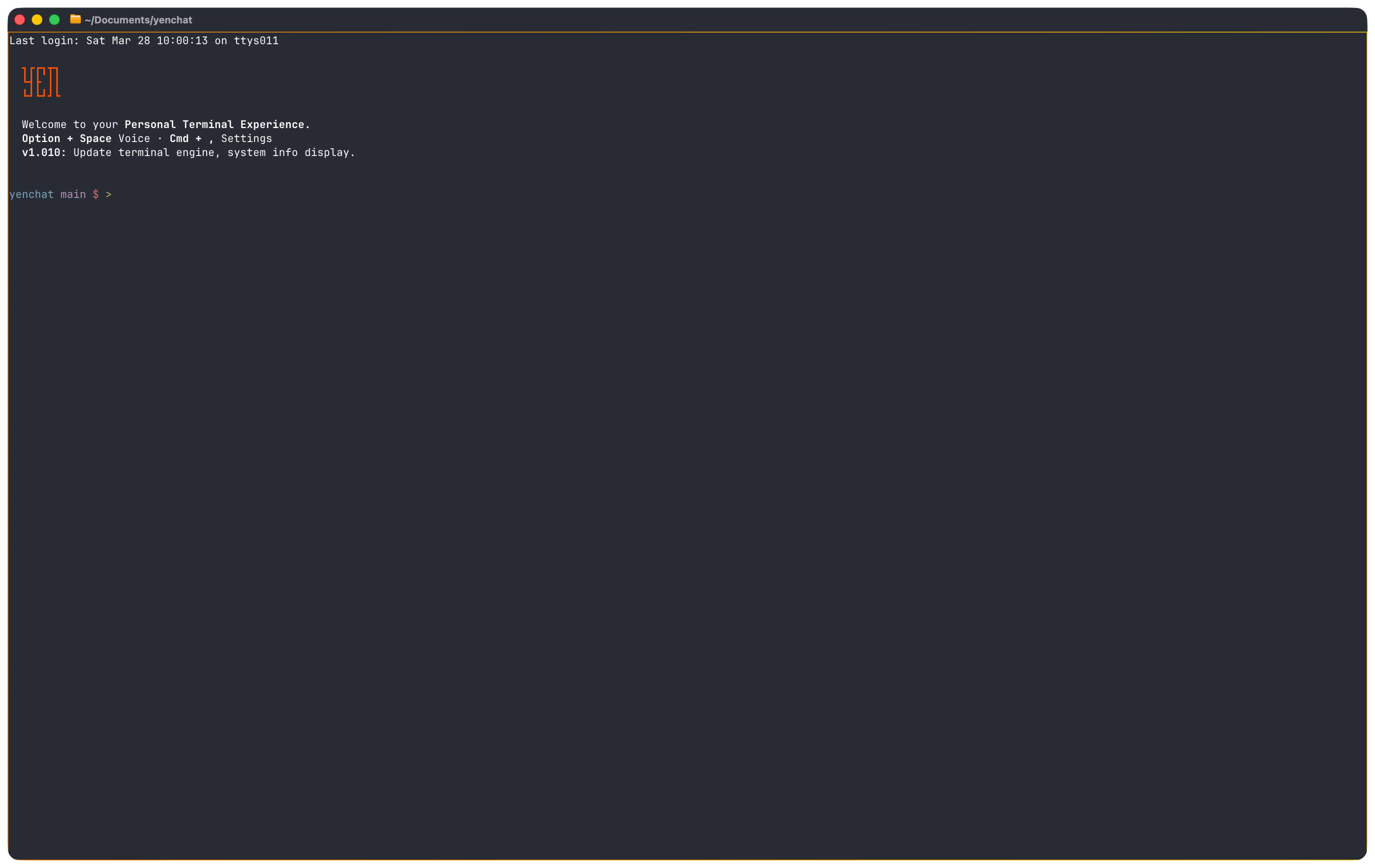
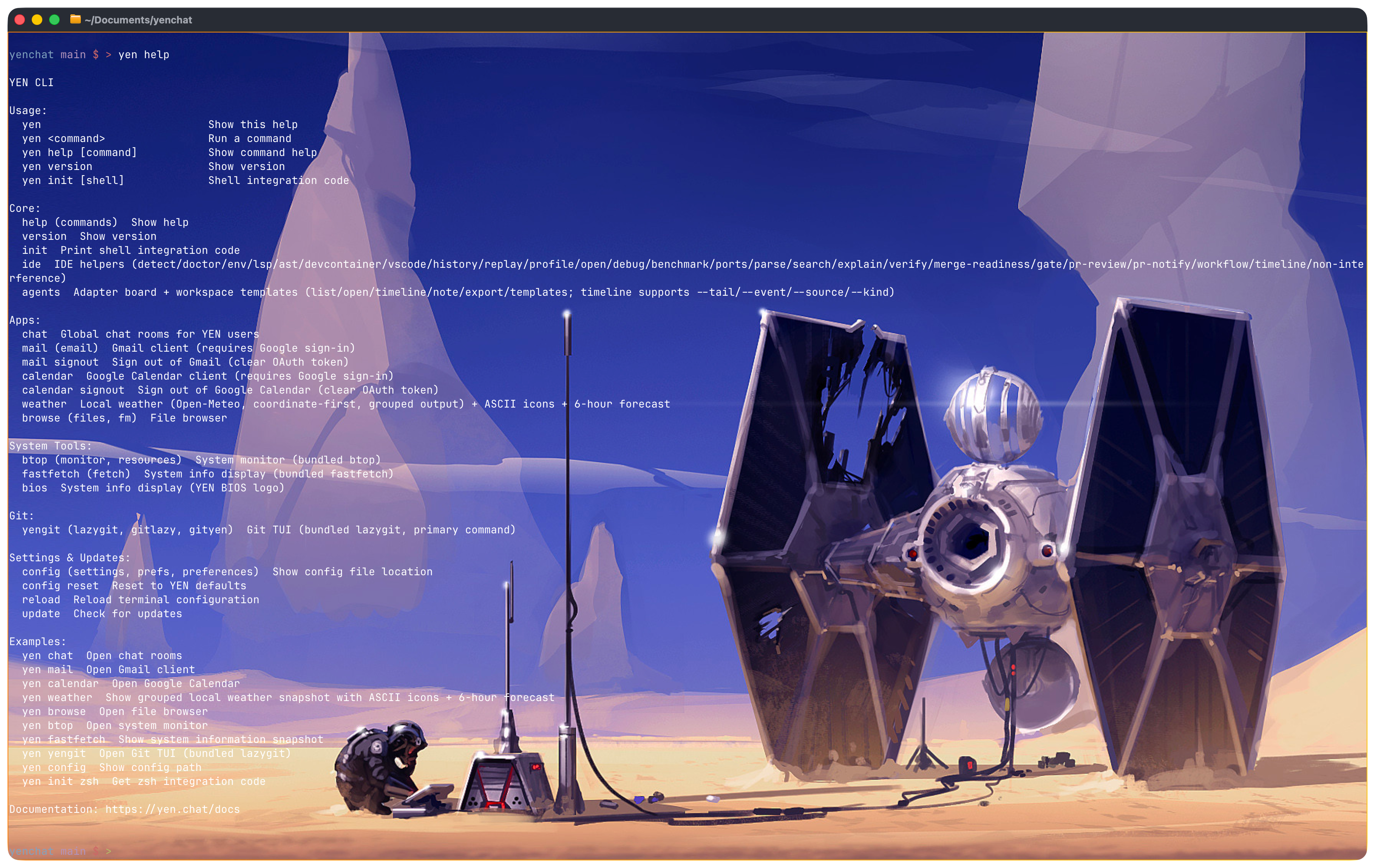
Start with a blank canvas, your Terminal. And then you can add an image:
Or you can make the images per split:
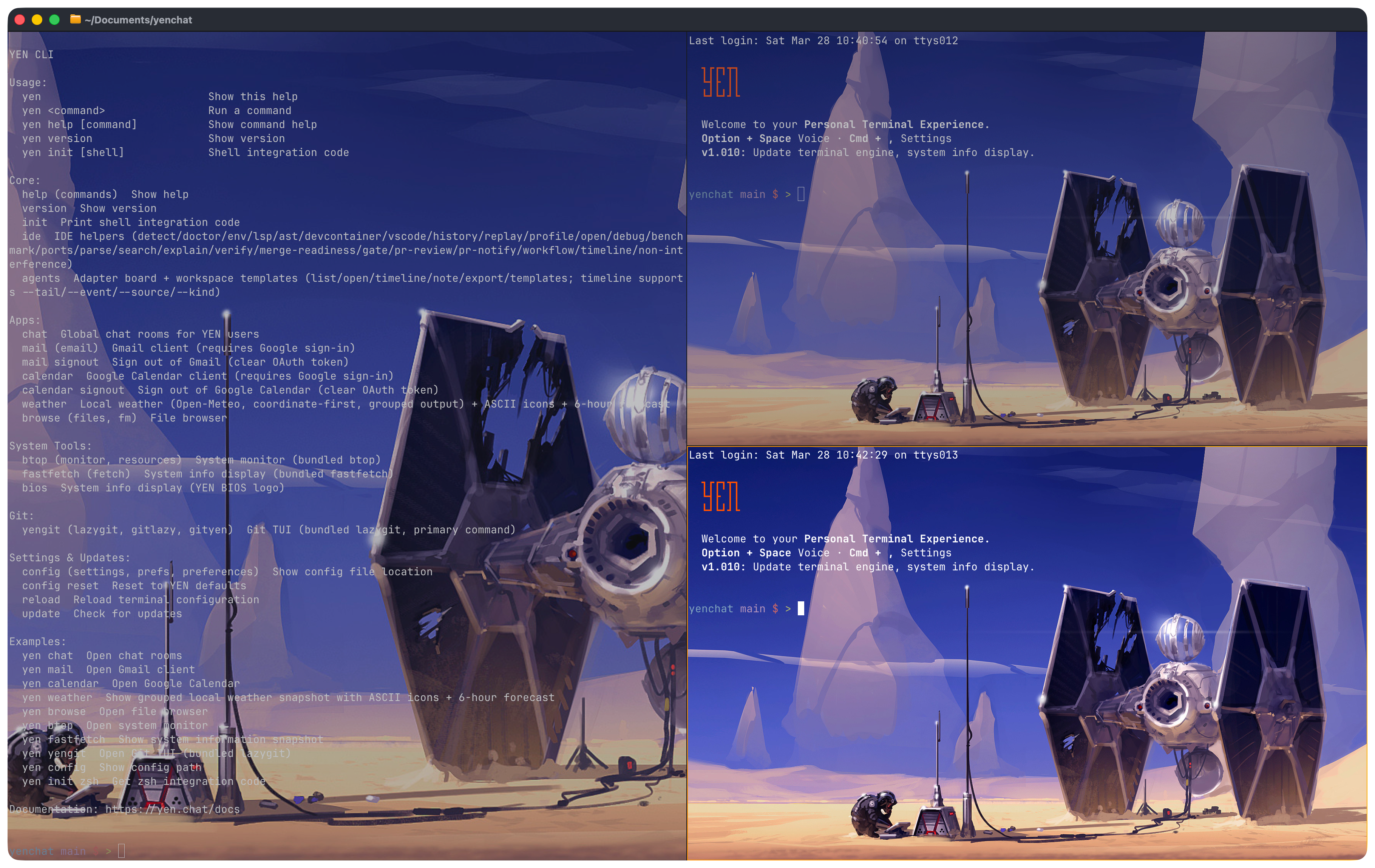
Pretty neat and as I’ve said before, it makes it feel so much more personal. And that’s the update folks. Enjoy.
— 8