


Hey folks!
I want to talk about something most developers never think about: The DMG.
You know, the window that pops up when you download a Mac app? The one that says “Drag this to Applications”? Most of them look like this: A white rectangle, two icons, maybe a faint arrow.
Functional. Forgettable. The software equivalent of a plain cardboard box.
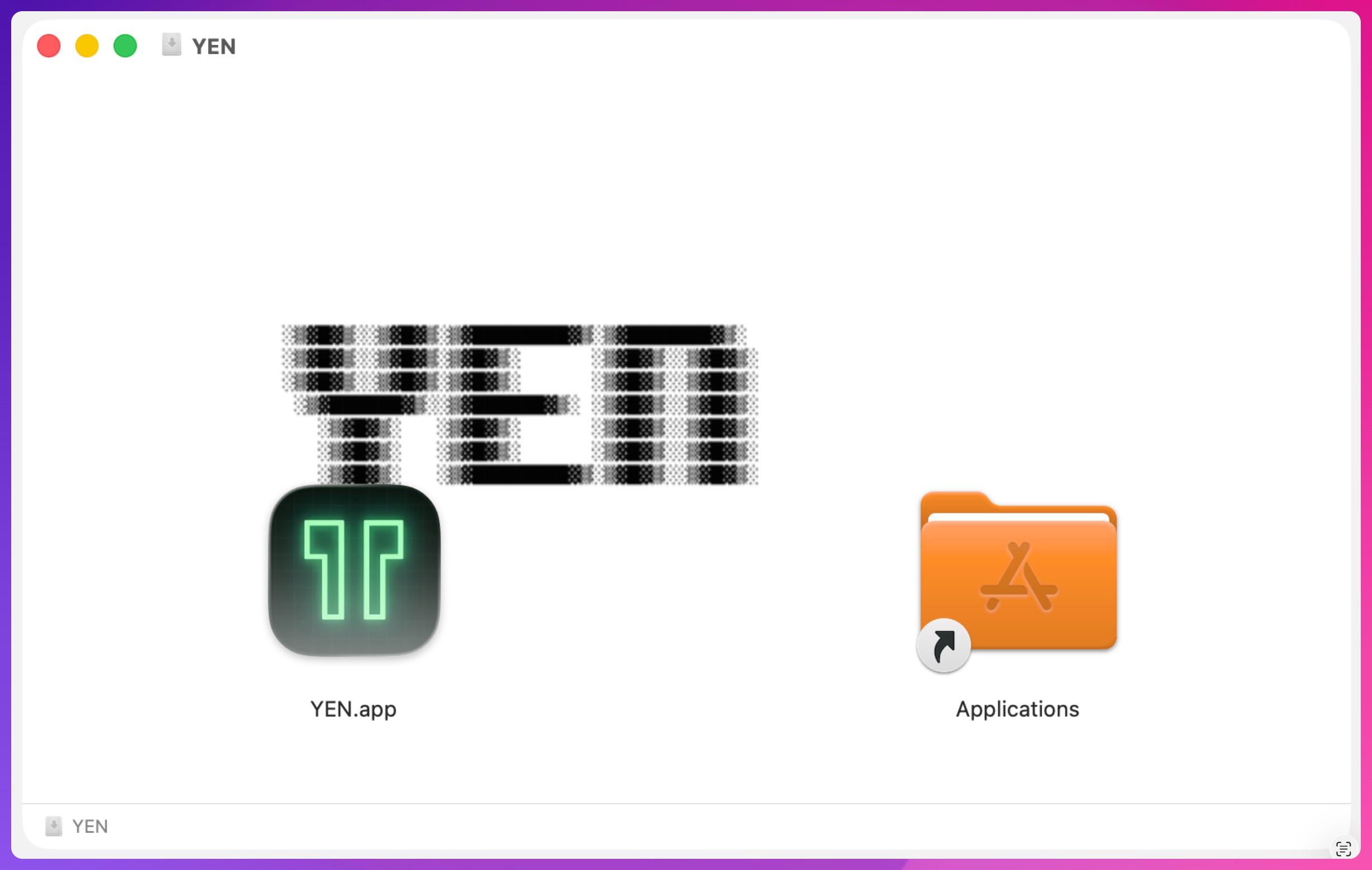
That was YEN’s DMG until this week. A blank white background, our retro ASCII logo floating in the middle (or kinda sorta in the middle), and two icons at the bottom. It worked. Nobody complained.
But every time I opened it during a build, something felt off. Like showing up to a job interview in a great suit with scuffed shoes. The details were wrong.
So, here’s the thing, your installer is literally the first thing a new user sees. Before they’ve launched your app. Before they’ve typed a single command. Before they know if it’s fast or slow or good or bad. The DMG is where the relationship starts.
This is obvious and self-evident but it feels like a secret hiding in plain site. Sadly, most of us treat it like it doesn’t matter.
But it does.
Why I Care About This
I need to be honest about something: I’m building a Terminal, and I think about pixels.
That sounds ridiculous. Terminals are monospaced text on a dark background. Who cares about pixels? But that thinking is exactly why terminals have looked the same for forty years.
It’s why the best terminal emulators in 2026 still ship with default themes that look like they were designed in a fluorescent-lit office in 1997. It’s why “modern terminal” usually means “we added AI” rather than “we made it beautiful.”
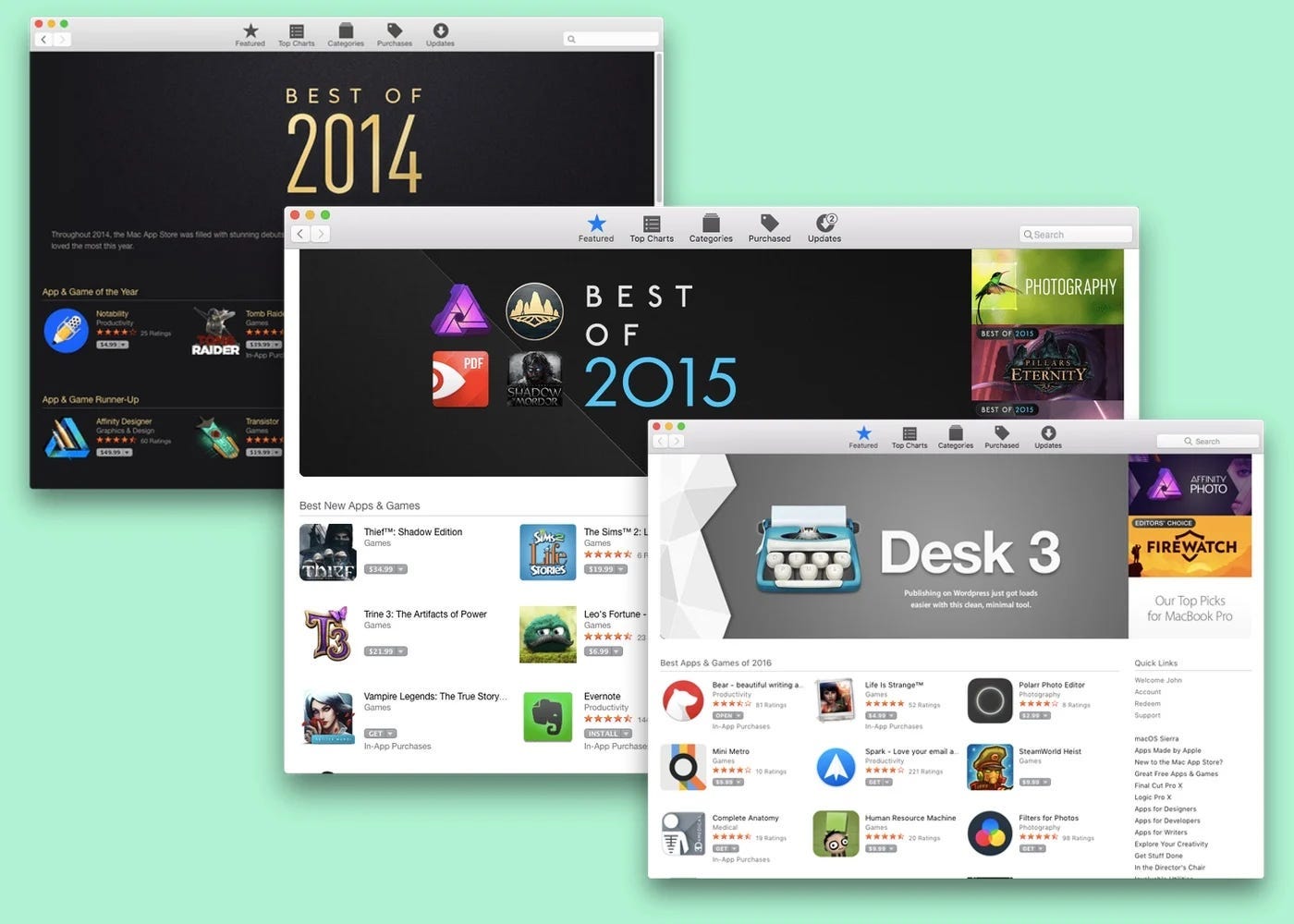
I like beautiful things. I can’t help it. 12 years ago I created a macOS app that even Apple thought was pretty cool, scoring serious “cool kid” points with design awards 2 years in a row. It was a desktop writing app — very much like a Terminal now that I think about it — with the simplest possible starting form factor imaginable.
Ready to see this award-winning design? Here:
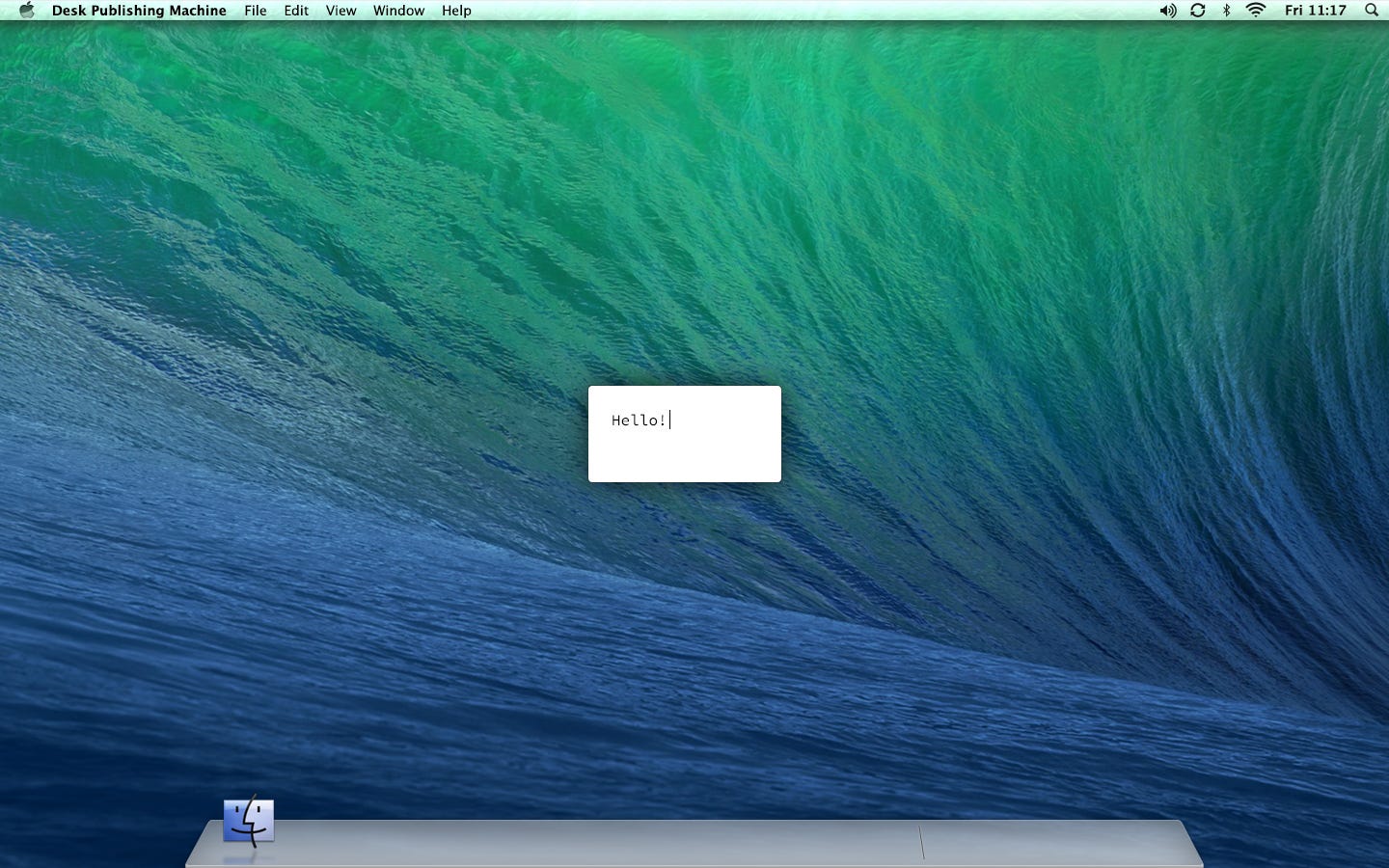
The most important thing I learned from building and designing that app was that removing any and all obstacles that got in the way of the core experience was crucial; an object lesson of “less is more” and how great products get out of their own way so that their users can succeed.
Great design is about how much you can remove without losing value.
Consequently, I agonized over each pixel, how curved each corner would be, and the icon took months to finally land:
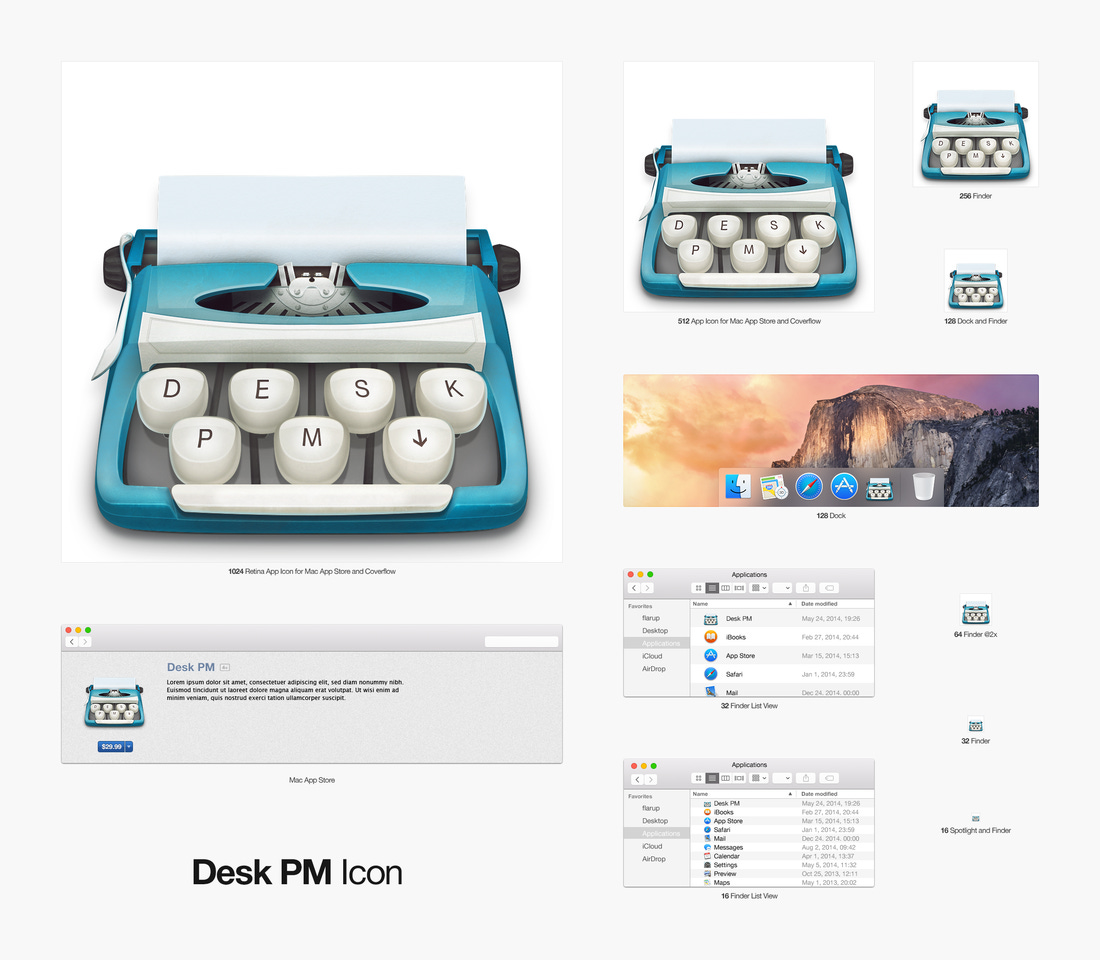
You see, I get obsessed with the products that I work on and build as each and every decision that I make, whether it’s through the logical coding patterns I implement or designs that I craft. What Desk App taught me was that great design imputes a level of seriousness and taste that can’t be bought or taught; but it can be practiced.
This obsession, I believe, is important because it’s a dividing line between good products and great products, things that will be used a few times and then forgotten and the objects that become part of who we are; our identity as such.
This obsession can help you in the business environment as well because products that have been obsessed over are usually taken more seriously, which is important if they are tools that users will use for important and serious business.
And a Terminal is designed for very serious business.
The entire thesis behind YEN is that the terminal deserves the same design obsession as any other application. The customizations I’ve added, like window borders that pulse with your theme colors and a settings panel with live previews that you can one-click apply things like 450+ themes and pinpoint notification sounds you can customize per service.
You know, stuff like that.
Every surface matters. The DMG is a surface. And I wasn’t taking it that serious.
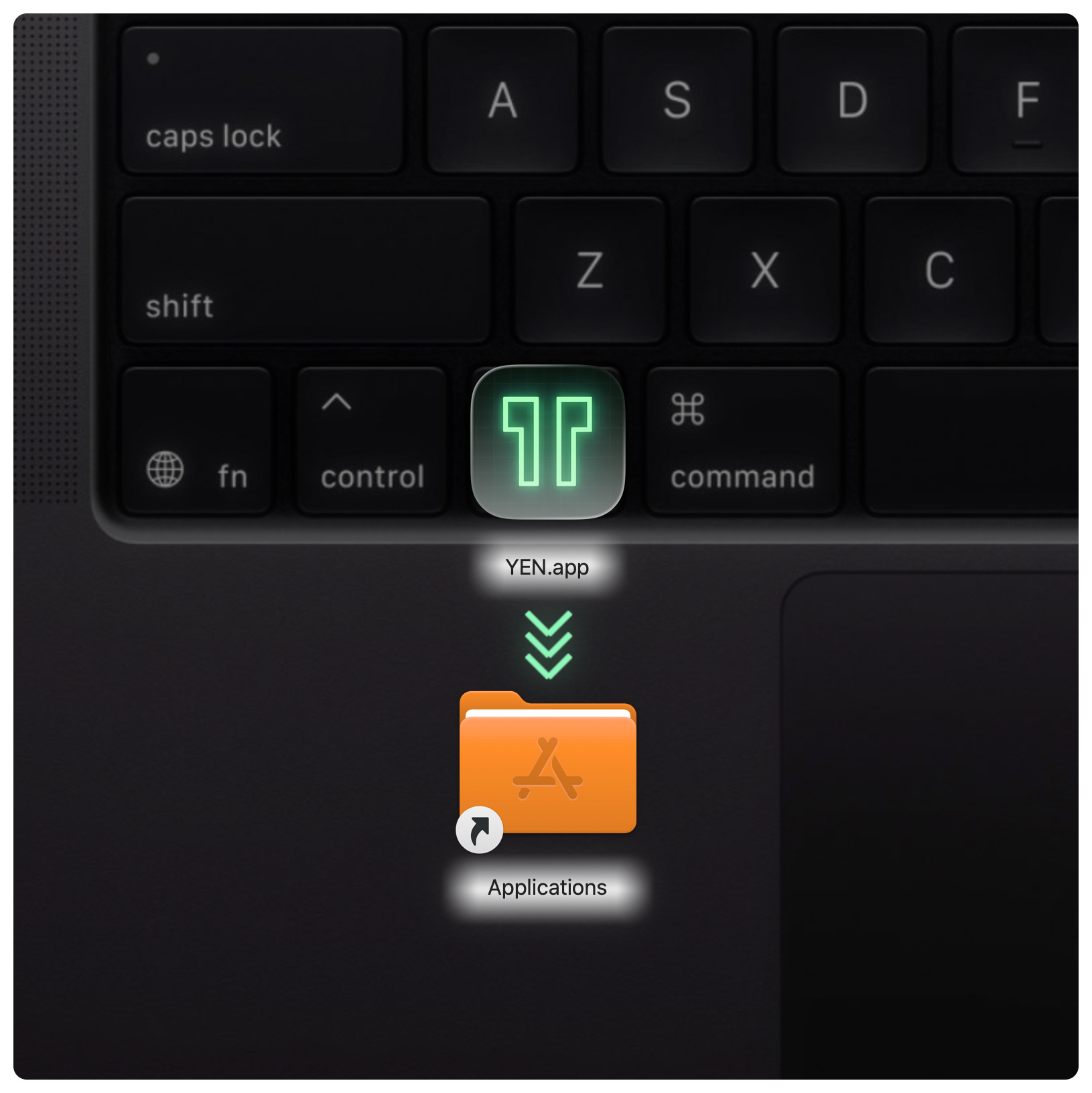
Now, it’s serious. Or rather, it’s pretty. Or, prettier. It’s not unique but it certainly is a start and I know that I’ll be obsessing over better and more unique DMG surfaces for the rest of the app’s life.
But, I like that part.
The Boring Technical Part (That I Find Fascinating)
Making a DMG look good on macOS is surprisingly annoying. Finder does not want to cooperate with automation. Here’s the pipeline I ultimately had to build:
Background assets are Retina-first. Authored at 2x (712x1104 pixels) and downsample to 1x (356x552) with Lanczos filtering. Both 1x and 2x variants get embedded in a hidden .background folder inside the DMG. I have never understood why we need this “hidden” file that’s not so hidden.
Finder layout is scripted via AppleScript. Icon positions, icon size (112px), text size (14px), window bounds, toolbar hidden, sidebar hidden, status bar hidden. All of it is code, not manual Finder dragging. The positions are pixel-exact: the app icon sits at (110, 260), the Applications alias at (395, 260). Move either one by ten pixels and the visual balance breaks.
Fail-closed packaging. If the Finder layout script fails — and it does fail, because Finder’s AppleScript interface is some of the most unreliable automation surface in macOS — the build refuses to ship. We retry up to 5 times before giving up. No fallback to a default Finder layout. I’d rather a build fail than ship a broken installer. An environment variable override exists for emergencies. I’ve never used it though.
Automated verification. A separate script mounts the final DMG, reads back the .DS_Store metadata, and confirms the background reference path, icon positions, window geometry, and text size all match the spec. Another gate checks that the DMG’s code signature, notarization staple, and SHA256 checksum match the release manifest. The DMG that reaches users is the DMG that passed every check.
The whole thing is about 200 lines of bash, and it’s some of the most fragile code in the project. But fragile code that fails loudly is better than robust code that silently ships the wrong thing.
It’s not super-pretty on the back-end but the front-end looks good.
The Larger Point
Most terminals don’t have a DMG because most terminals ship through homebrew. brew install and you’re done. No installer. No first impression. No moment where the product says “Hello, this is what I look like.”
That’s fine for developer tools that want to be invisible. But YEN isn’t trying to be invisible. YEN is trying to prove that the terminal can be a first-class experience — something you open because you want to, not because you have to.
Something that feels as considered as the best native Mac apps.
That ambition shows up everywhere:
The terminal renders at 60 FPS on a GPU-accelerated Metal pipeline.
The window borders change color when you switch themes.
The dictation feature works in any macOS app, not just ours.
The file browser ships with twelve bundled tools, all signed and notarized, all pre-configured.
The settings panel has a classic sidebar, a global search, live theme previews, and a keybind recorder.
The notification sounds are customizable per service.
The command palette indexes every feature.
A built-in community chat (who does that?!).
And much, much more.
These are not terminal features. These are IDE features, design-tool features, pro-app features — rebuilt natively for a terminal-first environment. The bet is that developers deserve this level of craft in the tool they spend the most hours in.
And the DMG is the first move, the first handshake. It’s the first four seconds where a user decides whether the people who built this thing give a damn.
And when they drag the icon to Applications and launch YEN for the first time, I want the product to live up to the promise that handshake made.
For Other Mac Developers
If you’re shipping a Mac app and your DMG is still a white rectangle with two icons — take an afternoon and fix it. It’s not hard. It’s just tedious.
AppleScript, some careful positioning, a background image, and a verification script to make sure it doesn’t regress.
Your users will notice for four seconds. But you’ll know it’s right every time you ship. And in a world where most software looks like it was assembled by committee, the small details are how you signal that a human with taste was in the room.
And you have taste, right?
— 8