


Hey folks!
Quick story. I set up a brand new M4 Mac last week as a fresh-start check for YEN. Fresh macOS install, nothing carried over. Downloaded YEN, launched it, pressed Option + Space to dictate something.
Nothing happened. Damn.
No error. No popup. No indication of what to do next.
That moment was a good reminder that onboarding is part of the feature. If speech-to-text is going to be something people rely on, setup has to be clear, guided, and accessible.
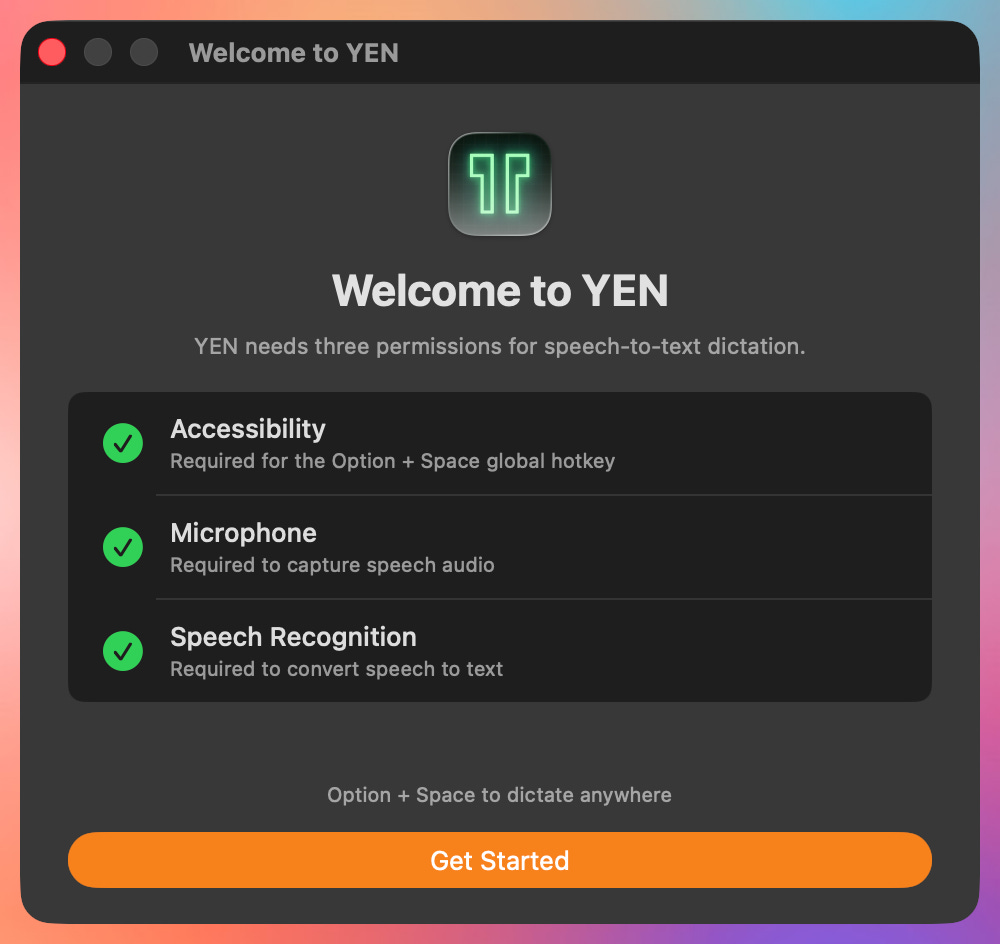
The dictation feature itself was not broken. What YEN needed was a better way to walk people through the permissions required to register the hotkey and capture audio. On an earlier build, that could leave Option + Space looking dead until someone manually dug through System Settings.
But, you know, onboarding matters. We all know it does.
YEN’s speech-to-text needs three macOS permissions to function:
Accessibility — The Option + Space global hotkey
Microphone — Audio capture for speech recognition
Speech Recognition — Apple’s on-device transcription engine
When any one of these is missing, speech-to-text can feel unavailable even when the fix is straightforward. That is exactly the kind of first-run experience we want to avoid.
macOS handles these permissions differently, especially Accessibility, so the app cannot assume the system will teach the user what to do. YEN now takes that responsibility more directly: show what is needed, explain why it matters, and make the recovery path obvious.
For a feature like speech-to-text, the onboarding experience is not separate from the feature. It is the feature. Naturally.
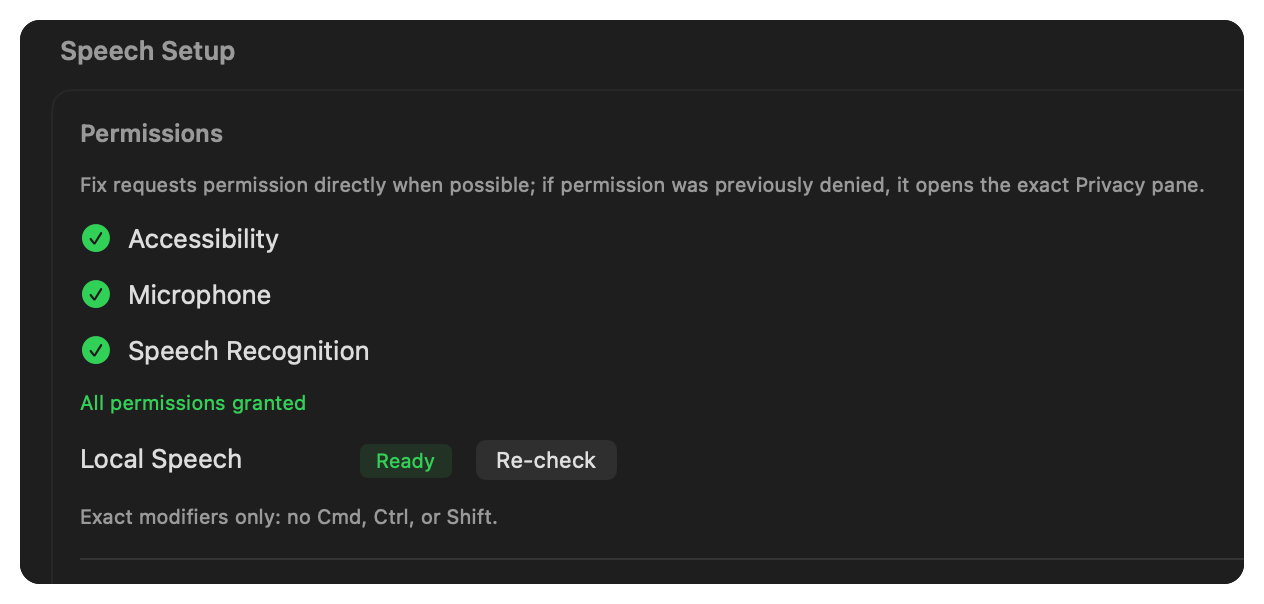
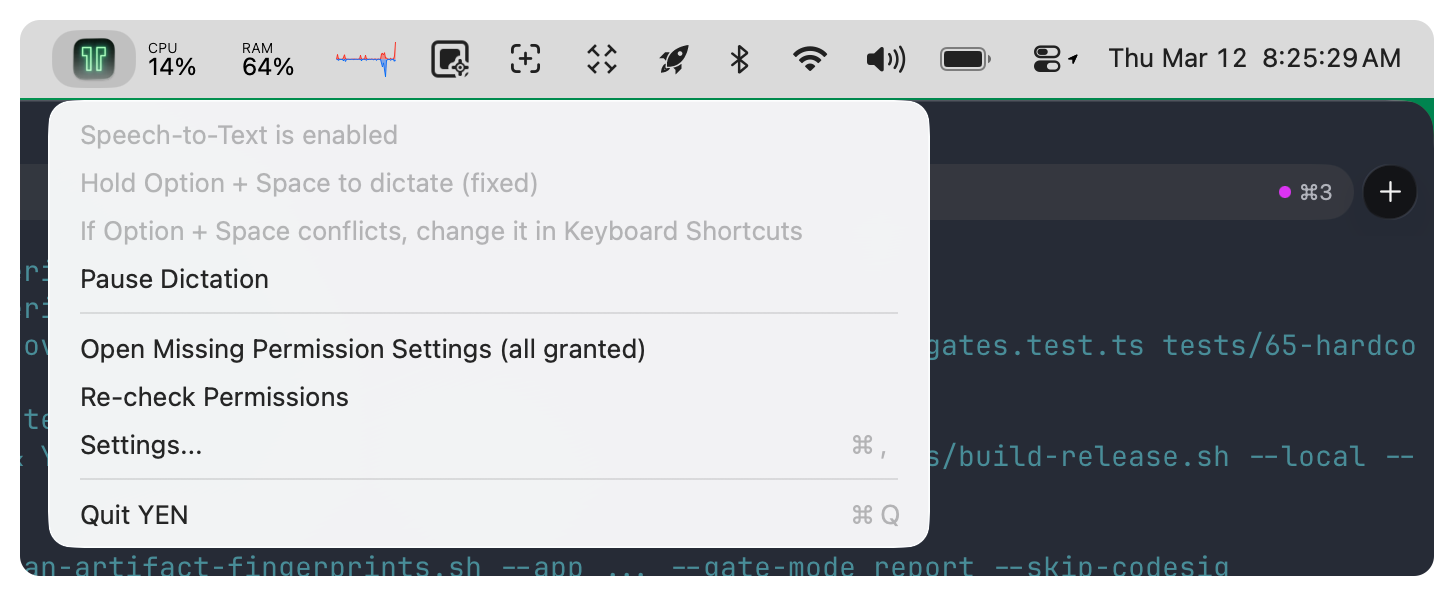
To make the experience even better I’ve made sure to expose the permissions in the Settings Panel and in the top macOS menu bar so the user has confidence that a fundamental part of their (new) workflow is always working.
Not hard to put together but important enough to build and ship. So give it a try!
— 8