


Hey folks!
I split my terminal the same way every morning. Old habits die hard:
Left pane: File viewer and directory.
Right pane: Dev server and git log.
Top-right: Community chat.
Bottom-left: Vim editor, active coding session.
You know the drill. Every single day. Open YEN Terminal. Cmd + Shift + D. Then Cmd + D. Then Cmd + Shift + D again. Navigate to the right directories, start working.
Rinse. Repeat. Again and again and again and again.
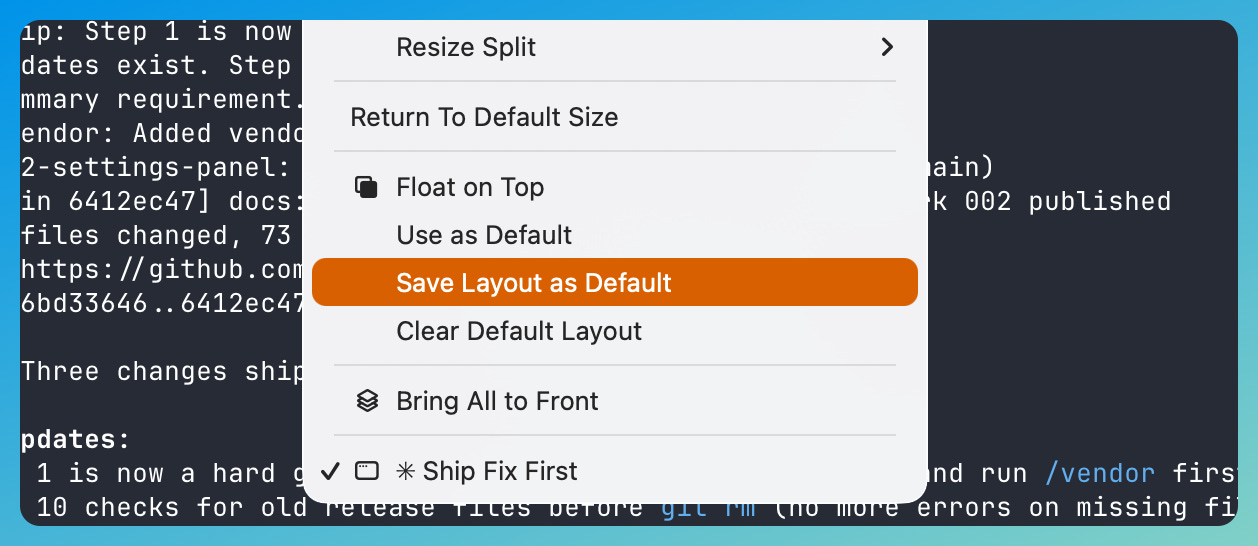
That’s maybe 15 seconds. 10 if I don’t mess it up. Multiply by 260 working days and you get an hour a year of arranging rectangles. Not tragic, but dumb. The computer should remember this.
Seriously.
And… now it does. Or, I finally built it into my favorite Terminal with a “Save Layout as Default” which snapshots your current split tree so that the next time I launch — or click the dock icon — my layout returns.
Same splits, same ratios, same working directories.
Magic.
Oh! And yes, you can also edit the JSON file directly in default-layout.json and no, I won’t judge you for hand-tuning your split ratios to exactly 0.618 as the golden ratio is a valid terminal layout strategy as far as I’m concerned.
You do you.
— 8