


Hey folks!
Quick engineering note about something that seems simple but required some care to get right — real-time theme preview in YEN's settings panel.
This was something requested by one of our community members and users and so I thought this would be a good opportunity to make every Settings Options Panel and have real-time feedback.
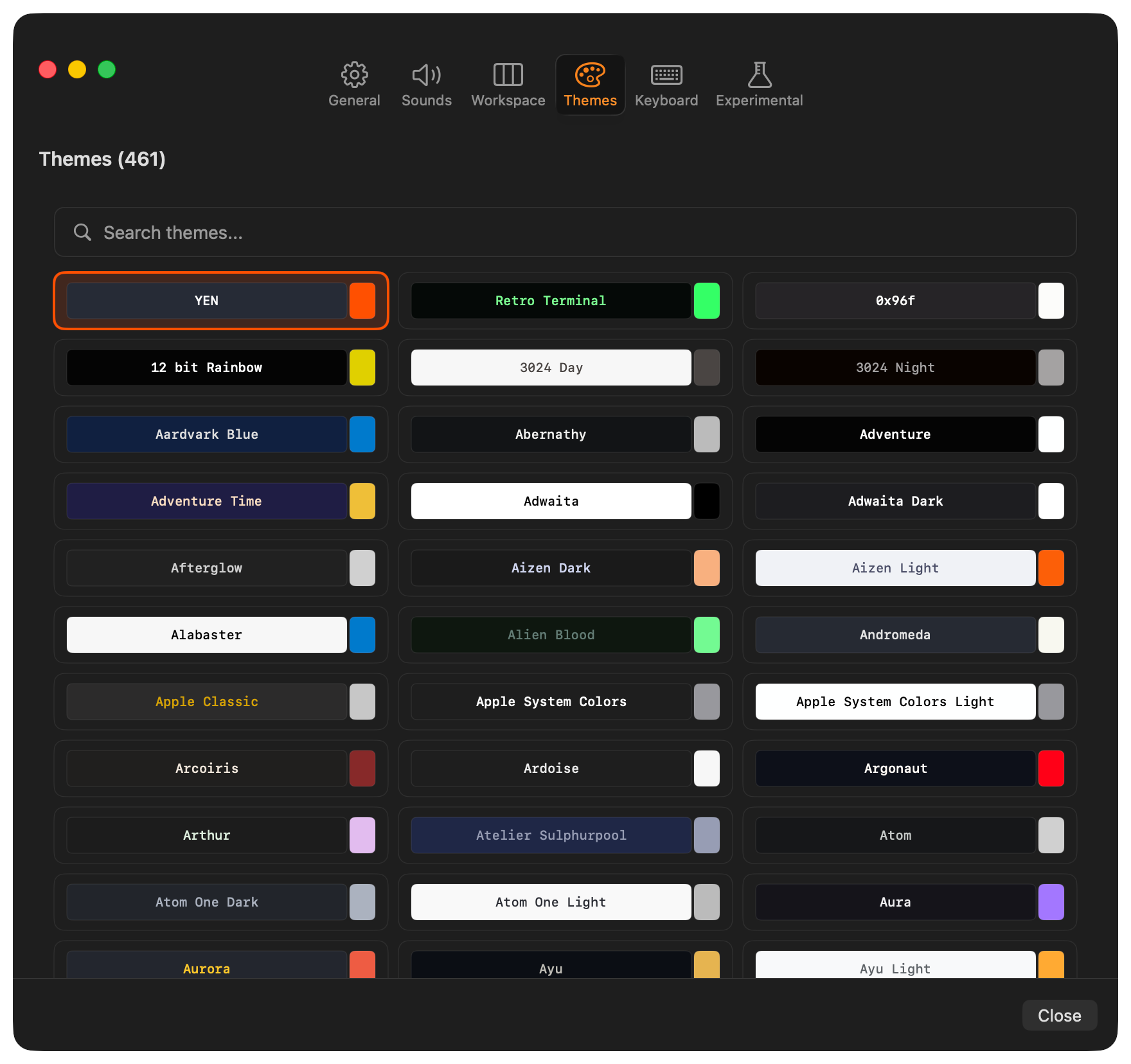
Press Cmd + , to open your Settings, click Themes, and start browsing. Each time you click a theme card, your terminal instantly shows what it looks like. No Save button required.
Click another theme, see a different one. Close the panel without saving, and you are right back where you started. Fun.
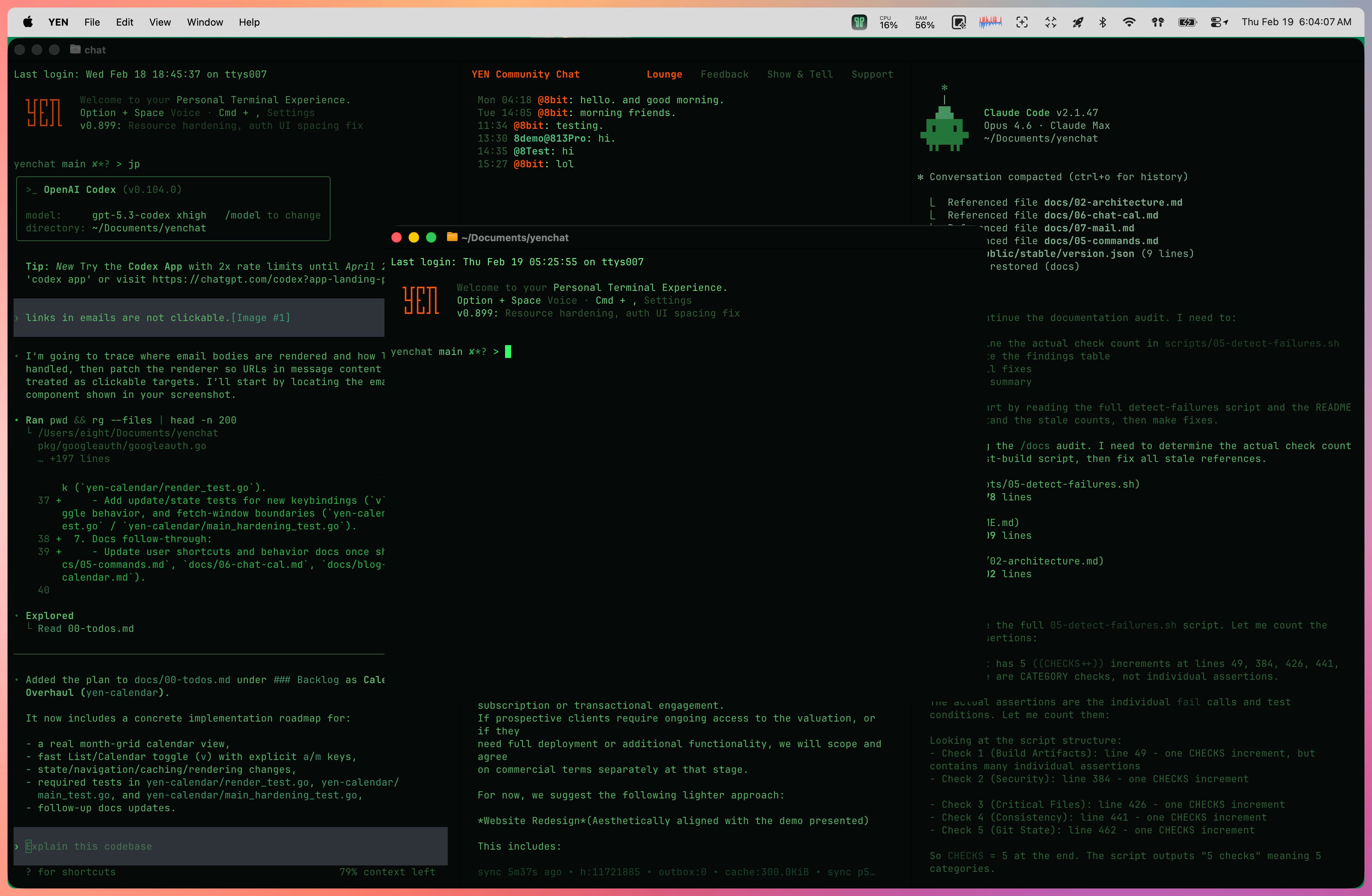
Try the new “Retro Terminal” that I just created last night:
The Small Problem That Scaled
YEN ships with 450+ bundled themes. That is a lot of choice. Too much choice if you have to apply each one, reload your config, squint at your terminal, decide you hate it, and undo.
That’s way too many button clicks! I’m all about speed. So, I knew we could make it faster. So, that’s what I did.
Most terminals make you edit a config file, save it, and reload to see a theme. Some cache the config in memory and require a full restart. Either way, exploring themes becomes a chore. I wanted browsing themes to feel like flipping through a photo album — click, see it, next.
Now, the small problem can’t possibly even exist. Nice. If you have thoughts — type chat in your terminal or ping @yenFTW.
-- 8